
Go to purra.ai
1. Introduction
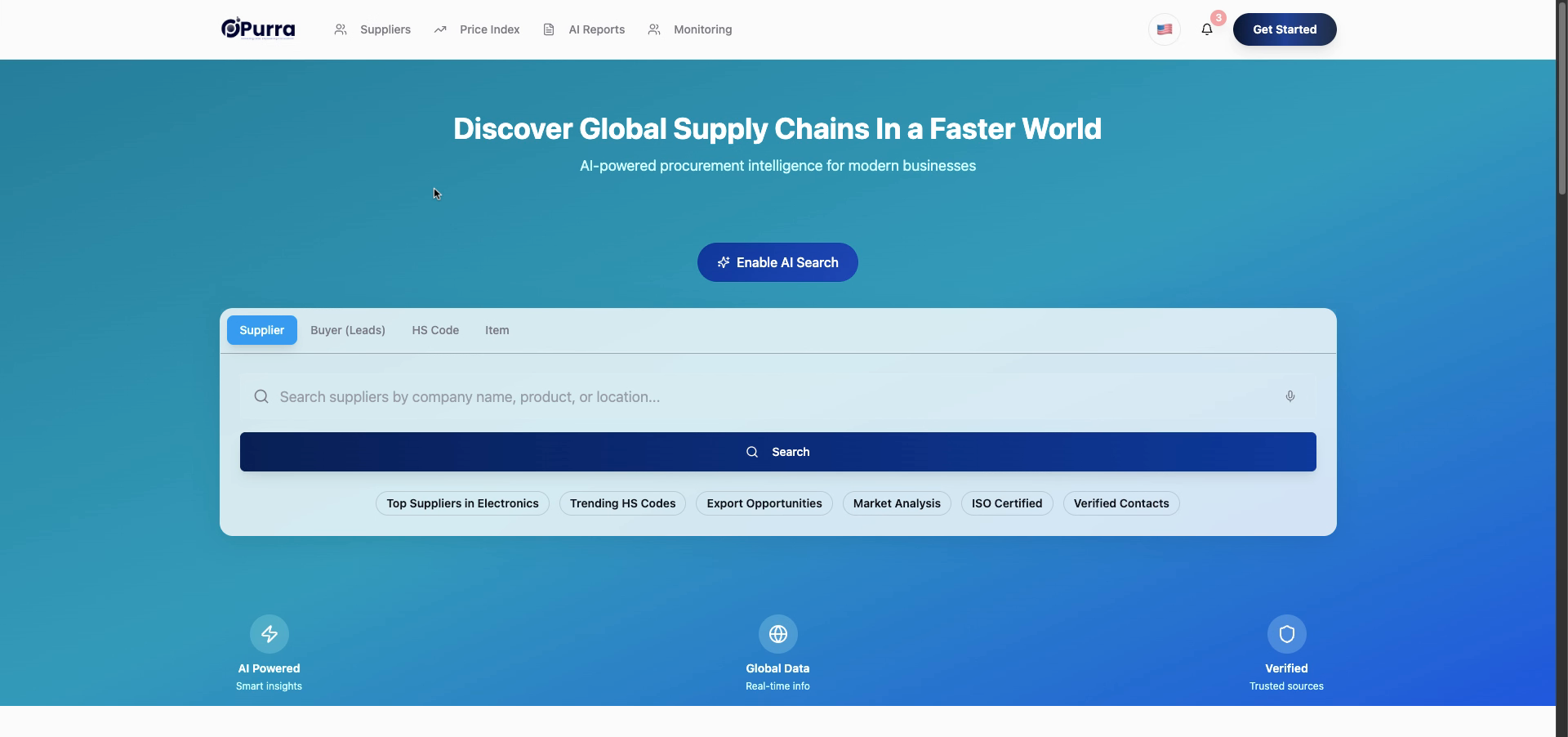
2. Click Get Started Button
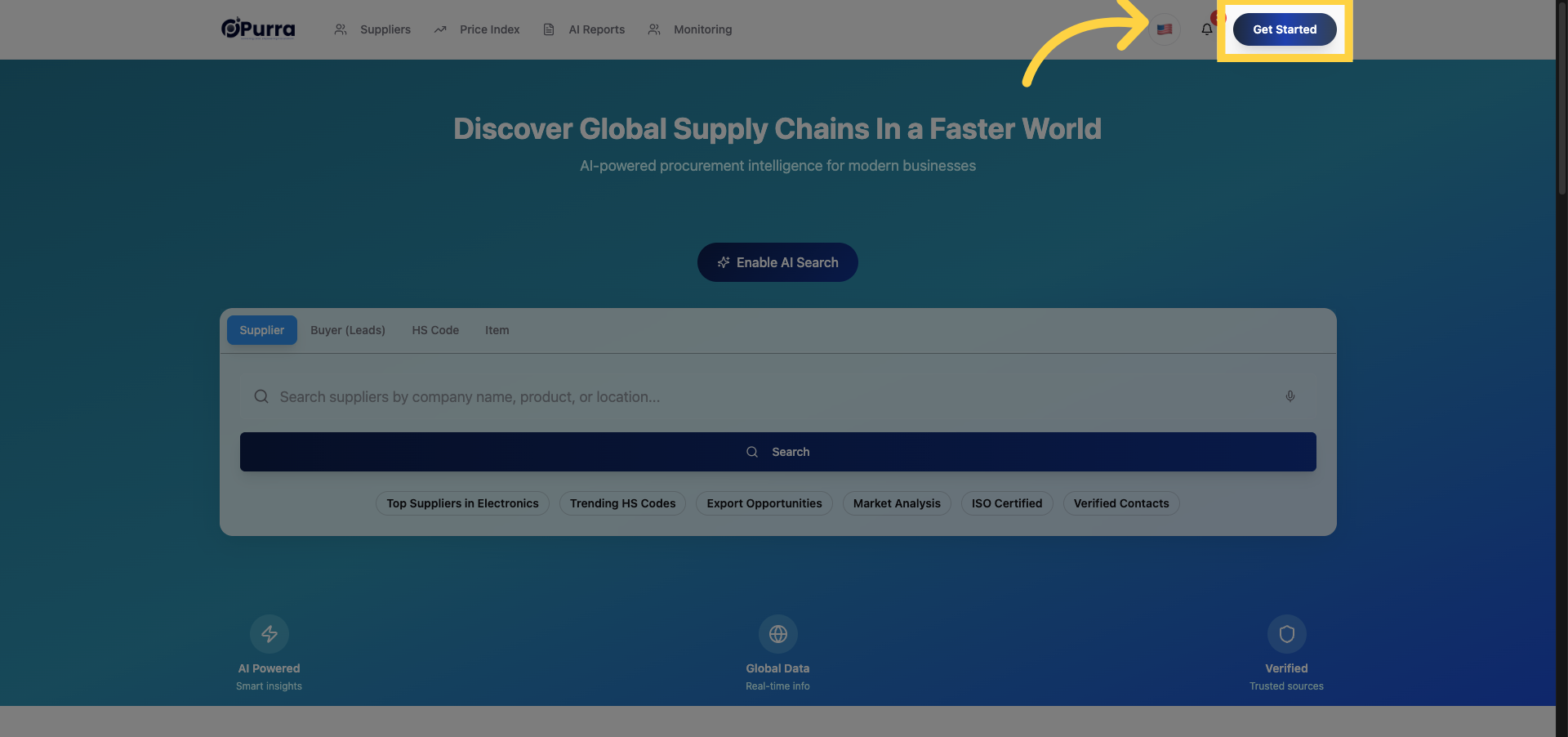
3. Enter Your Email Address
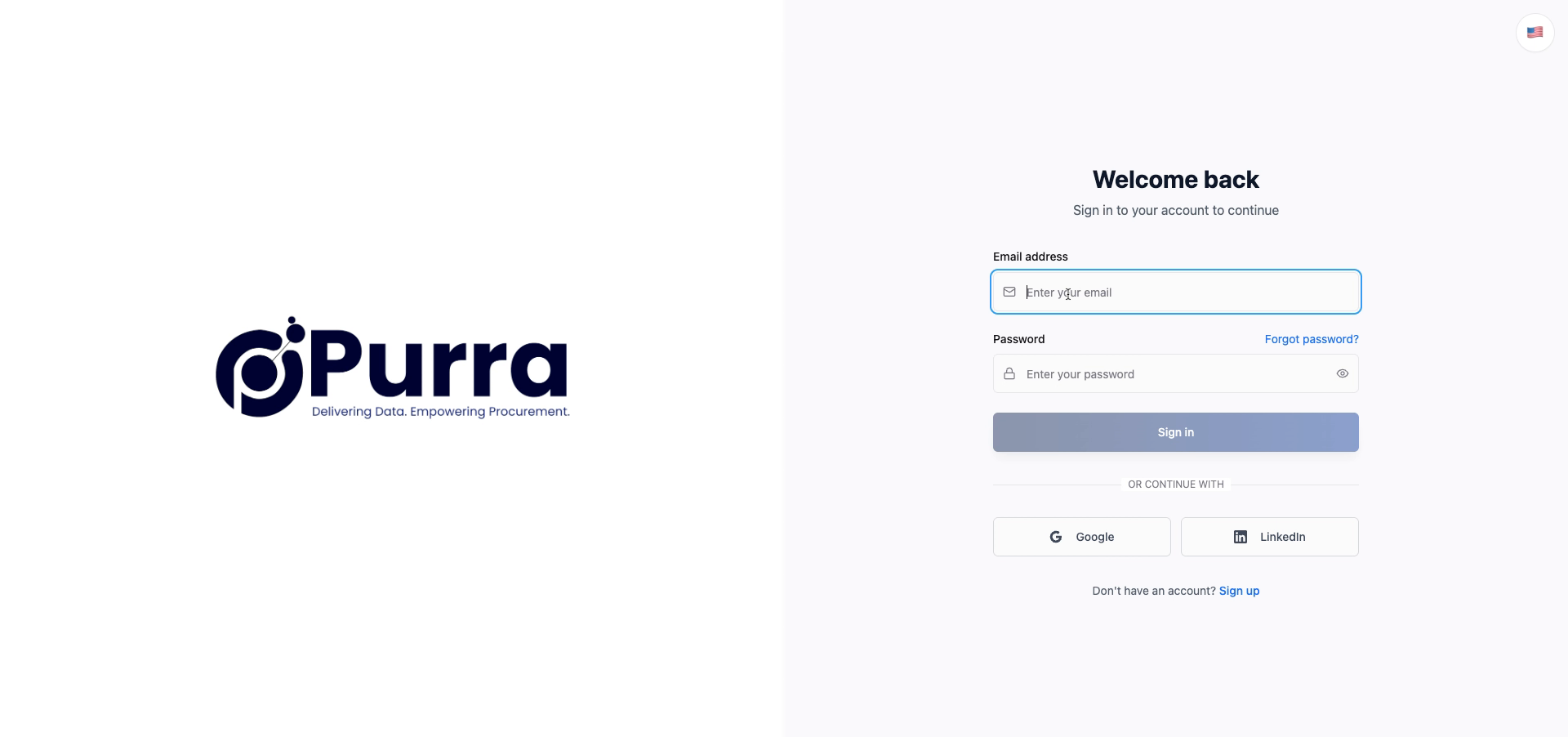
4. Enter Your Password

5. Click Sign In Button
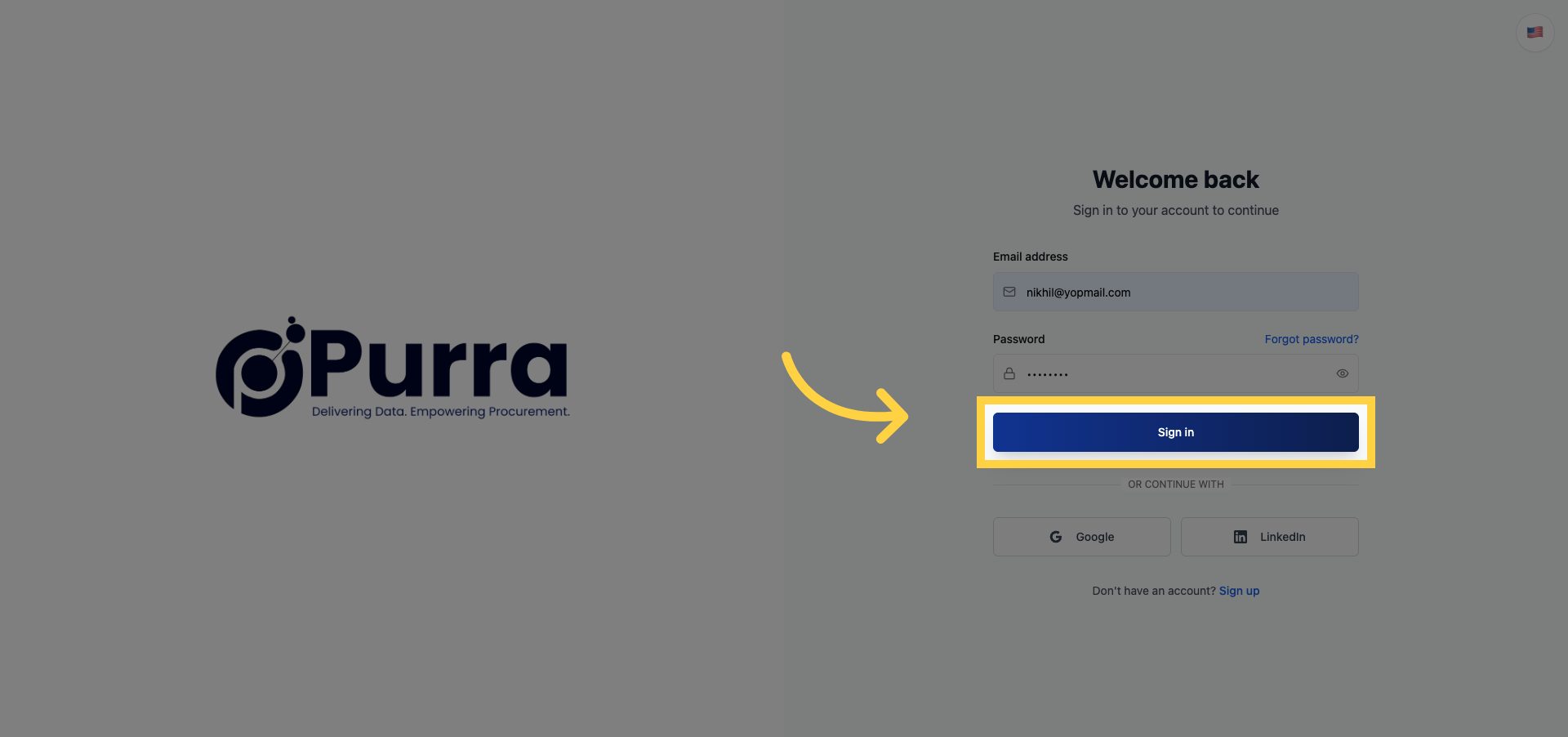
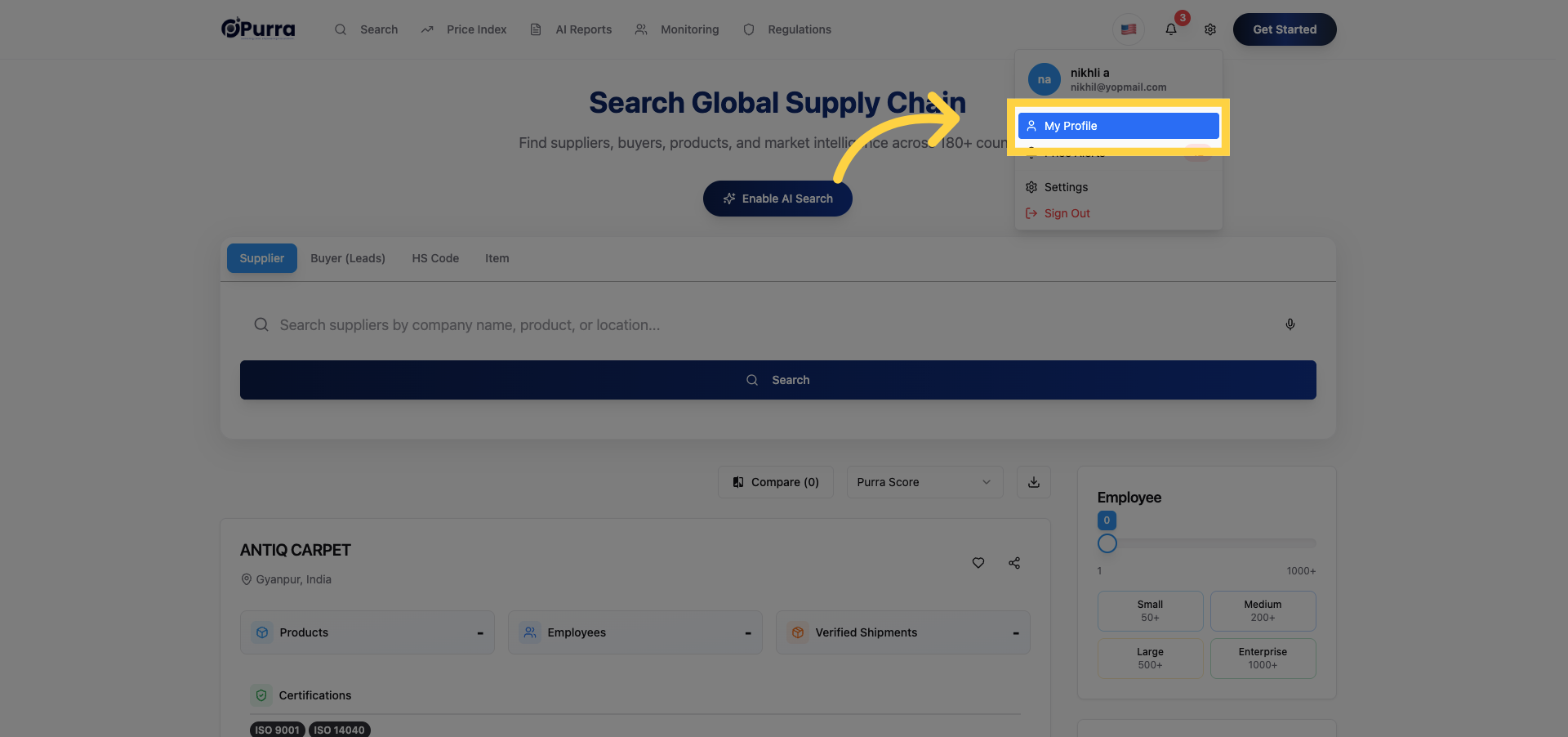
6. Open My Profile Section
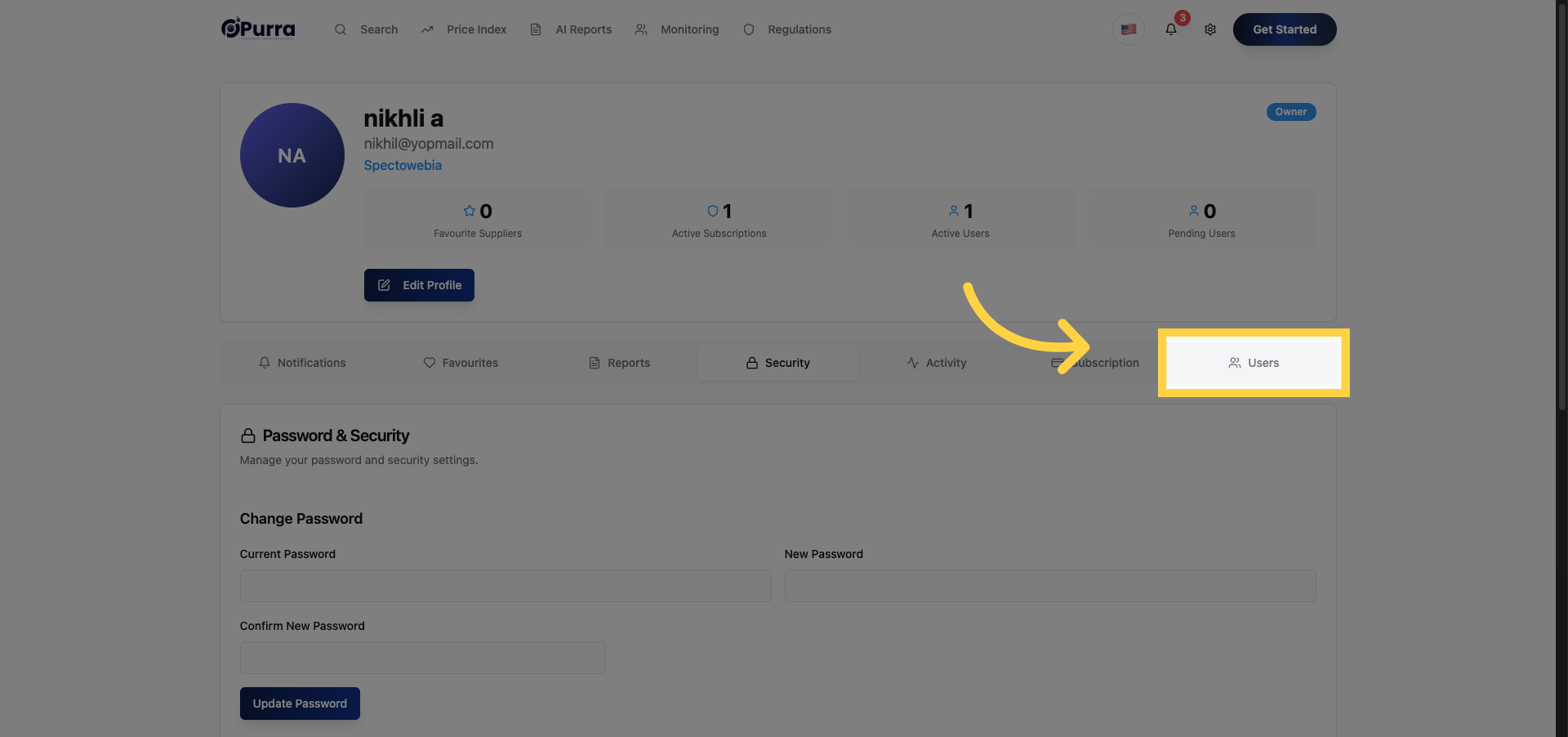
7. Navigate to Users Tab
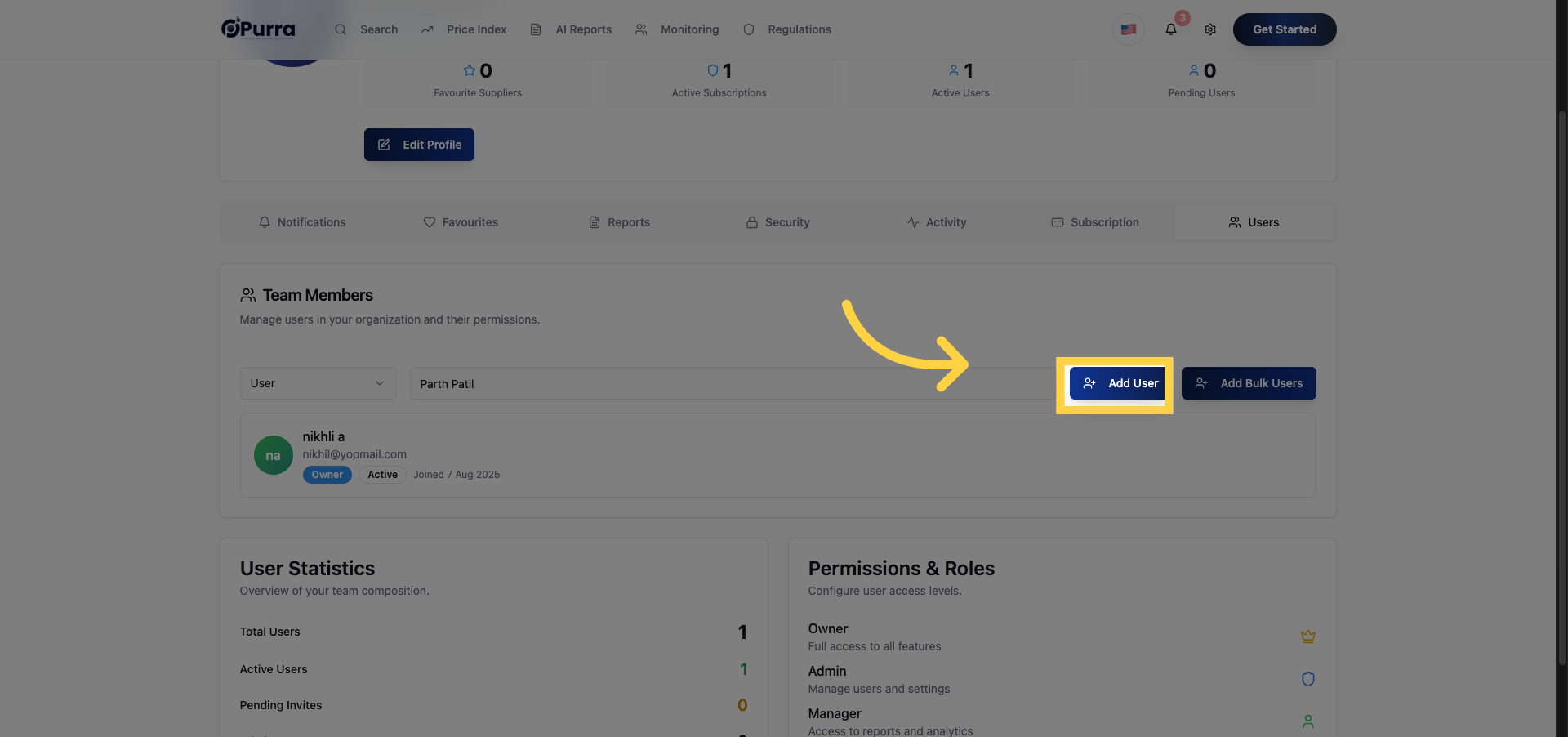
8. Initiate Add User Process
9. Enter New User Name
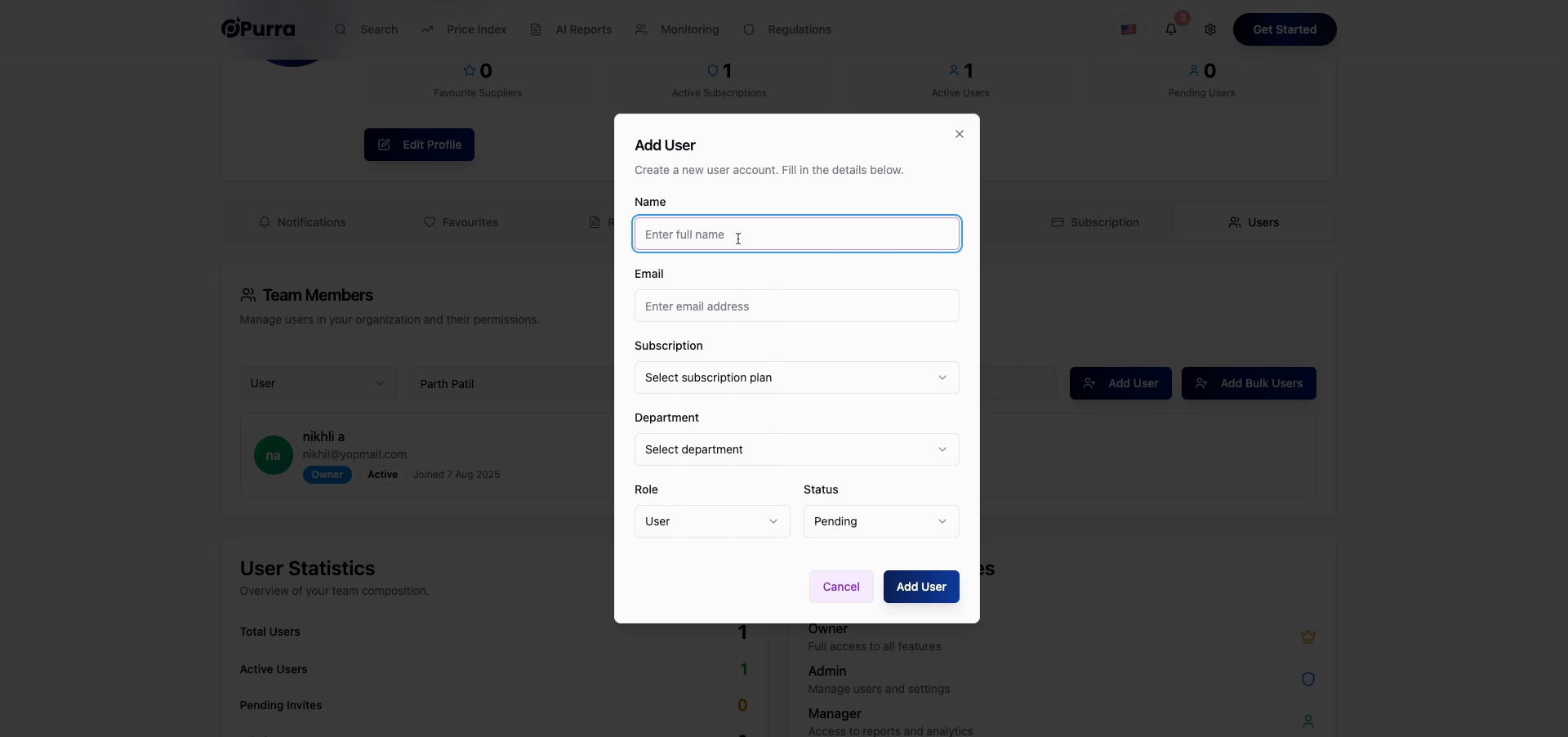
10. Fill New User's Name
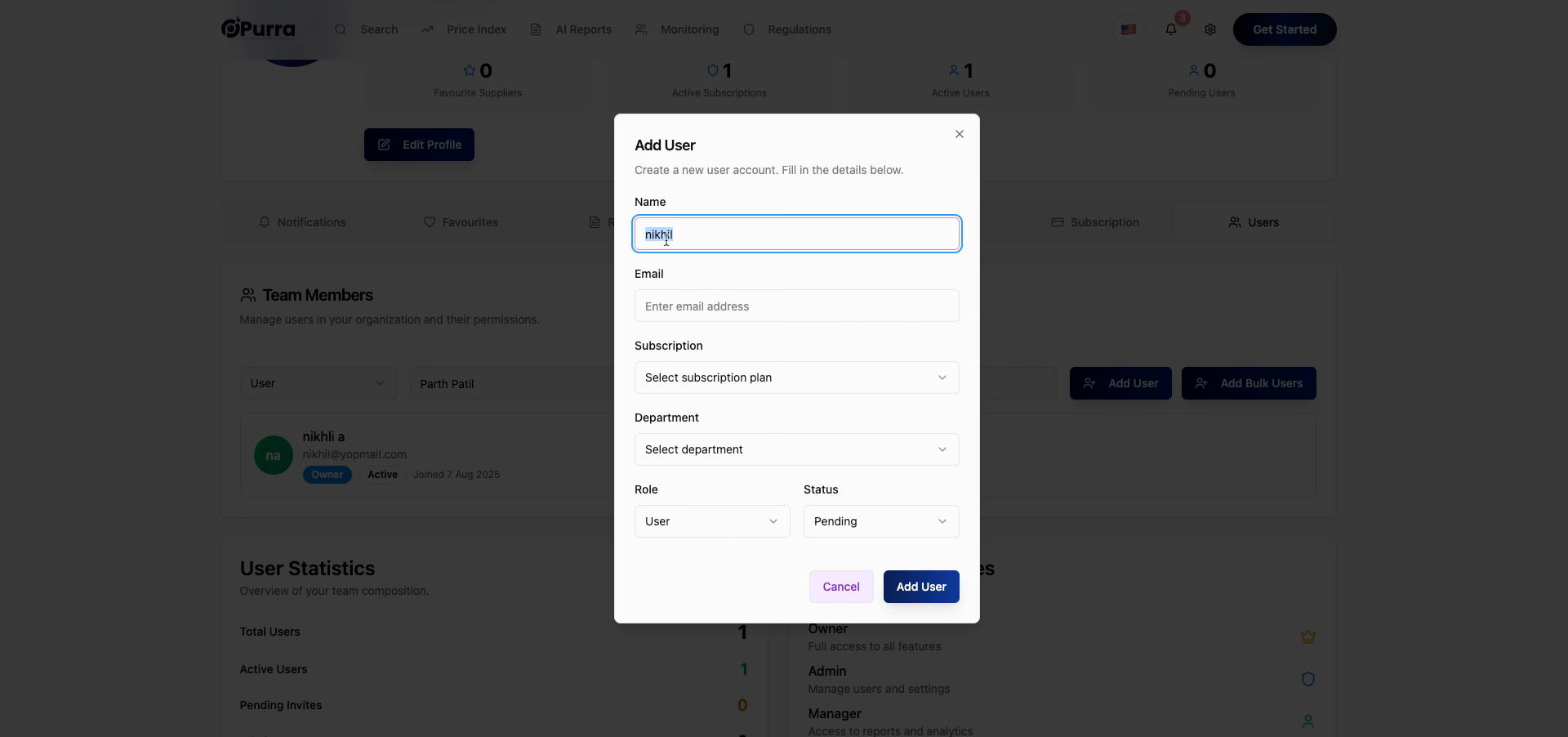
11. Enter New User Email
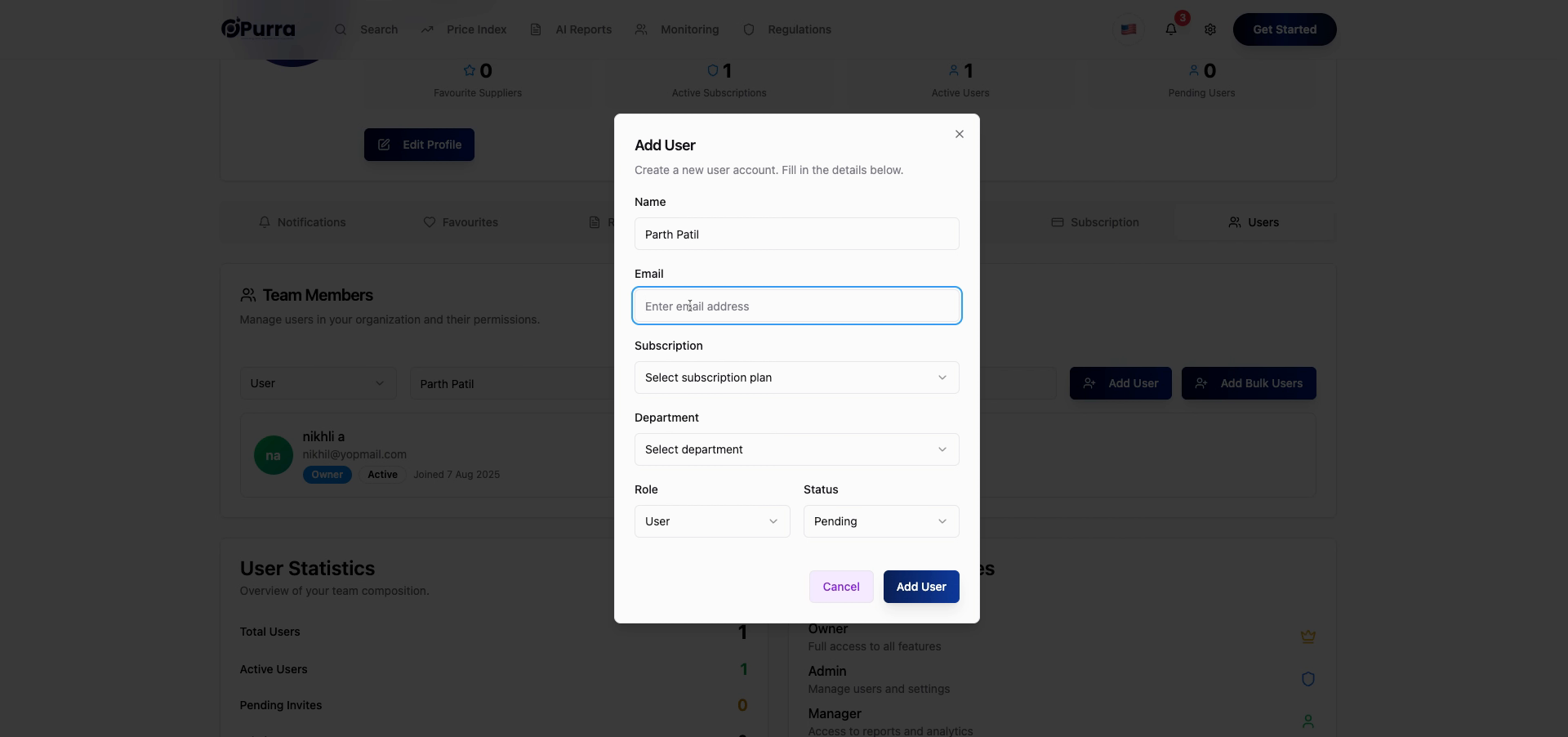
12. Choose Basic Subscription
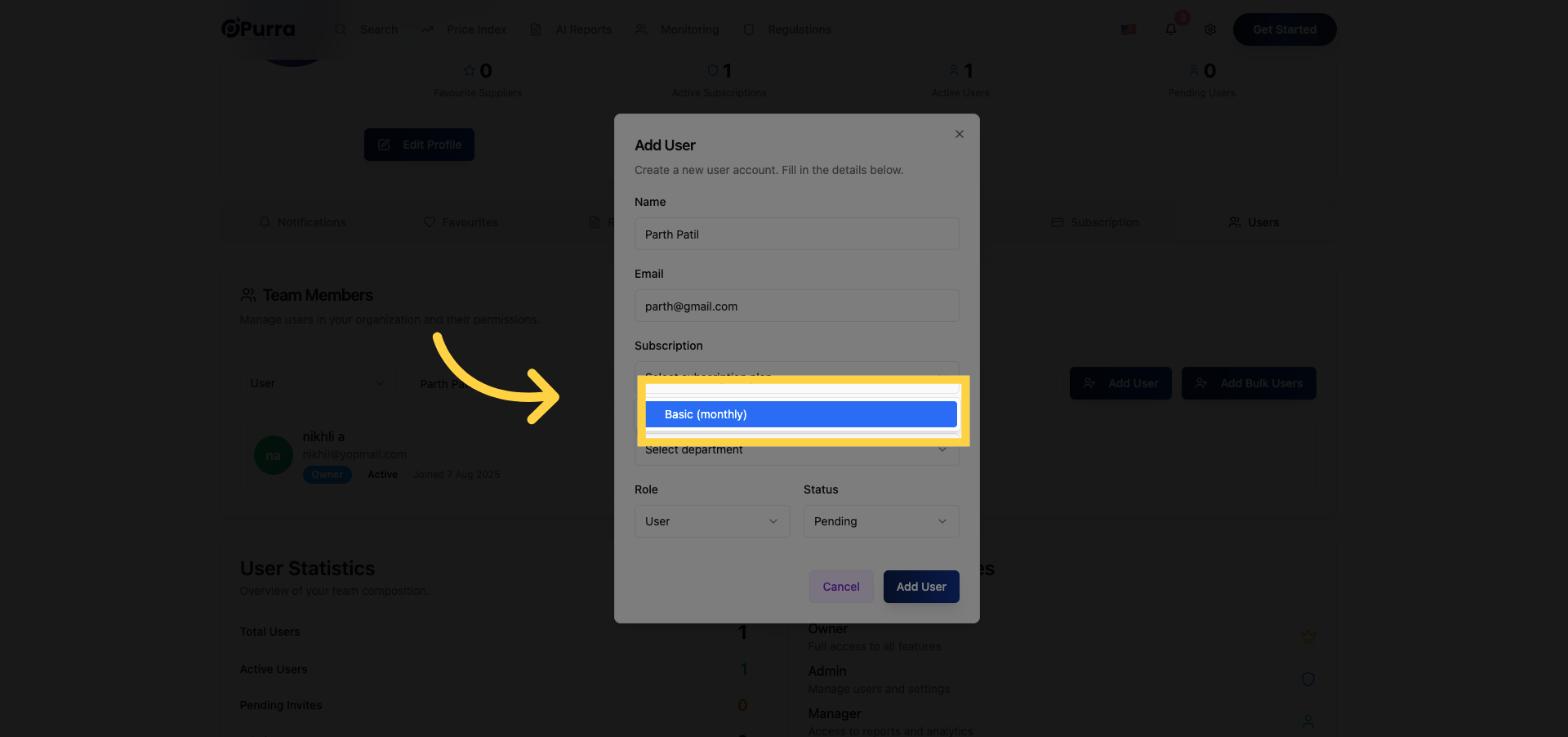
13. Select Finance Department
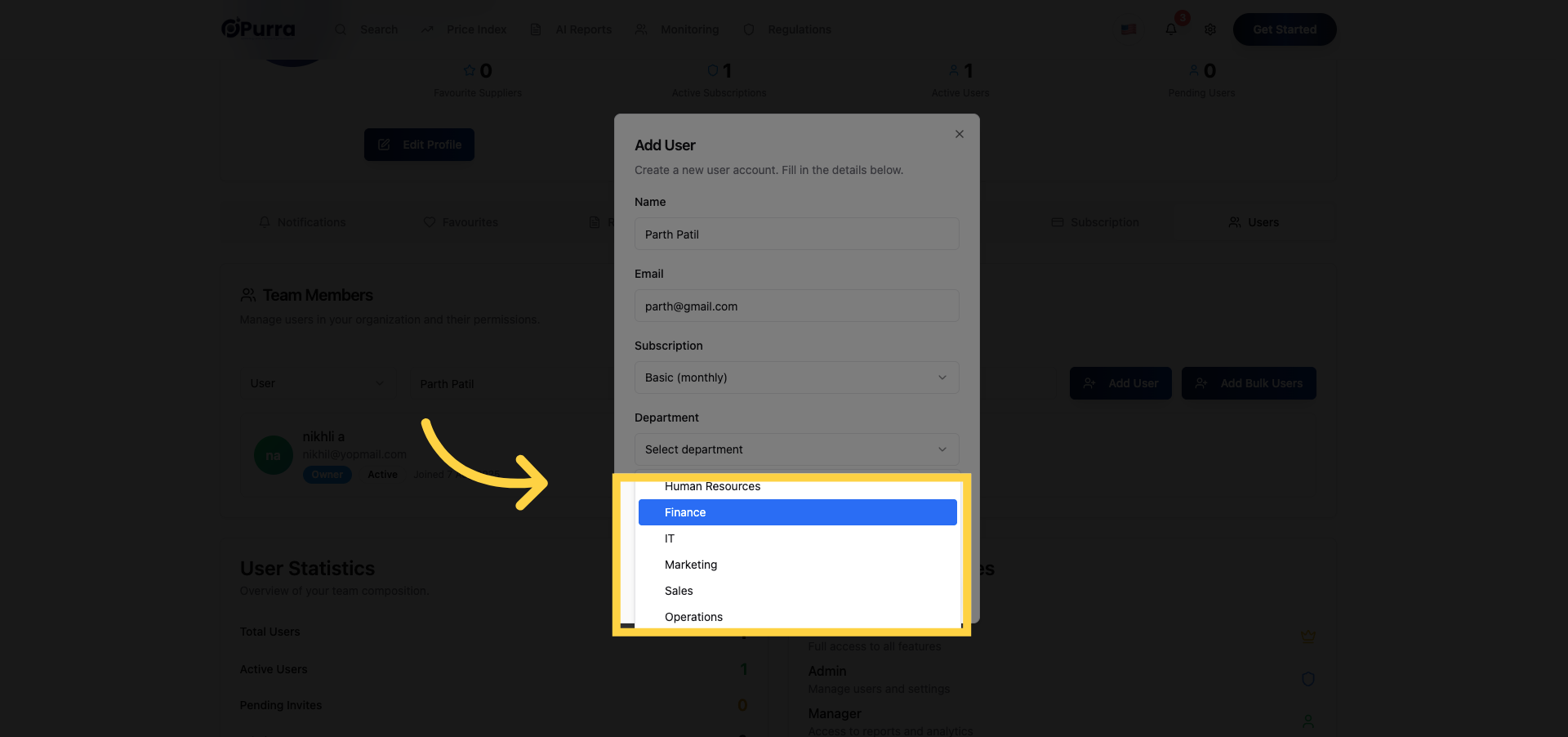
14. Click Designated Area
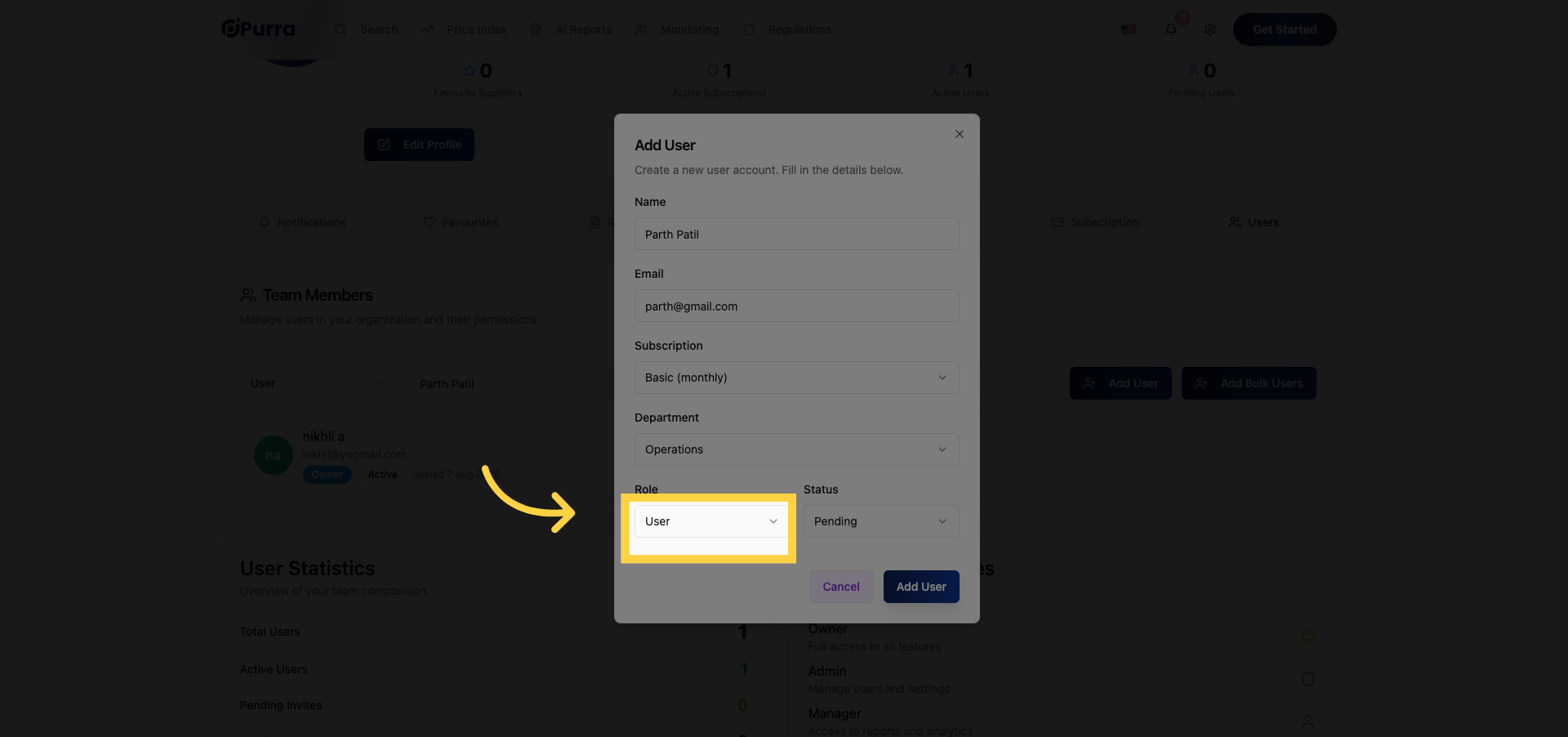
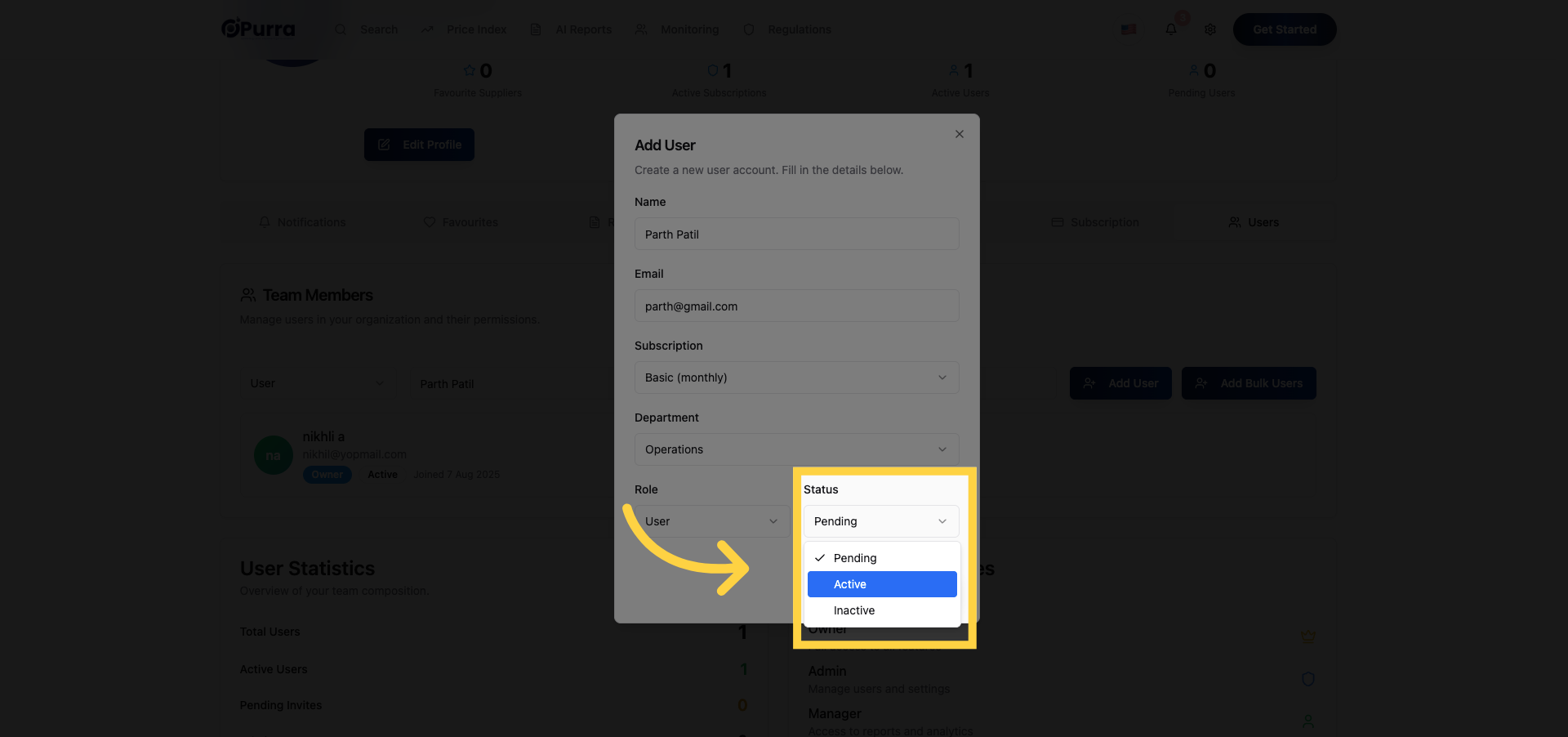
15. Set User Status to Active
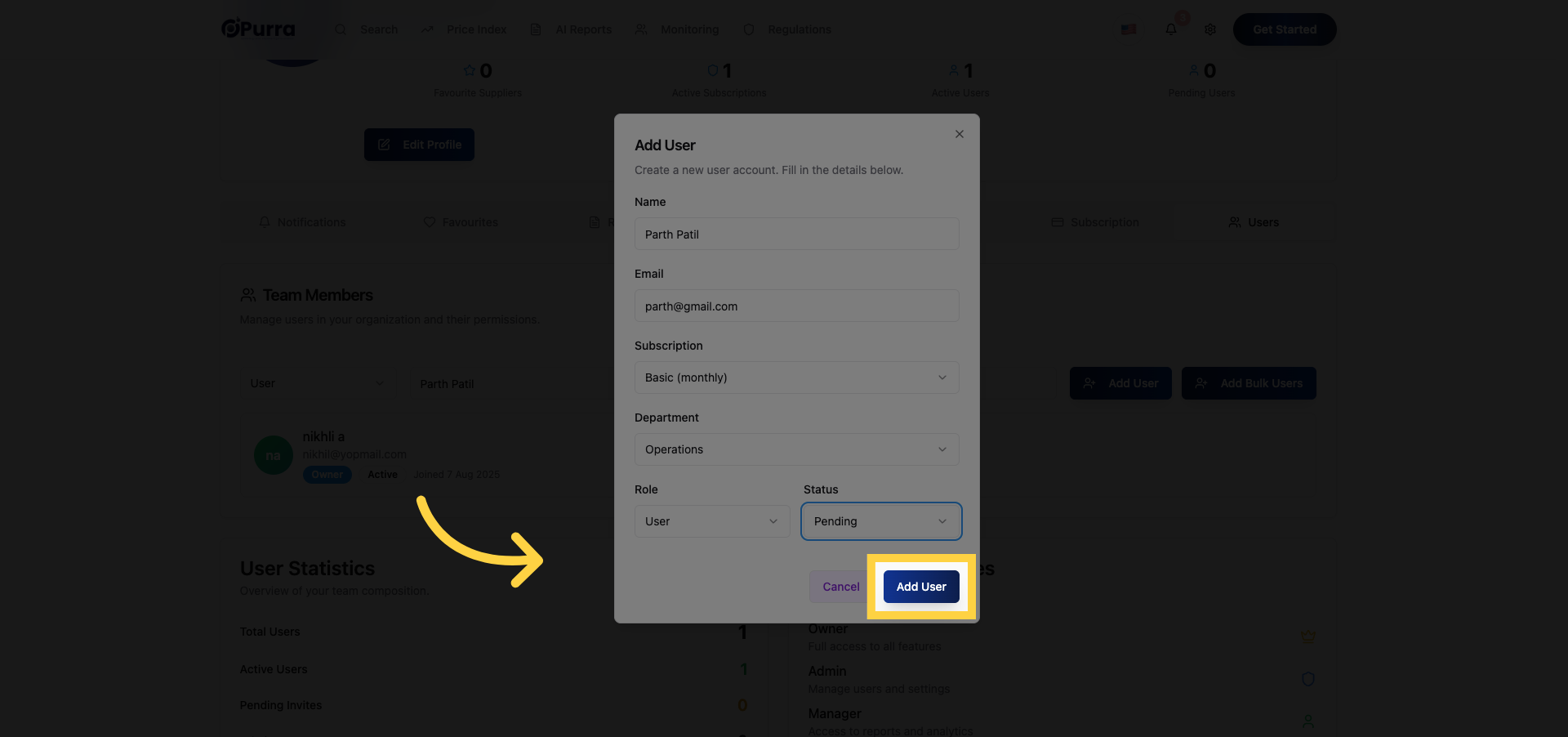
16. Confirm Add User Action
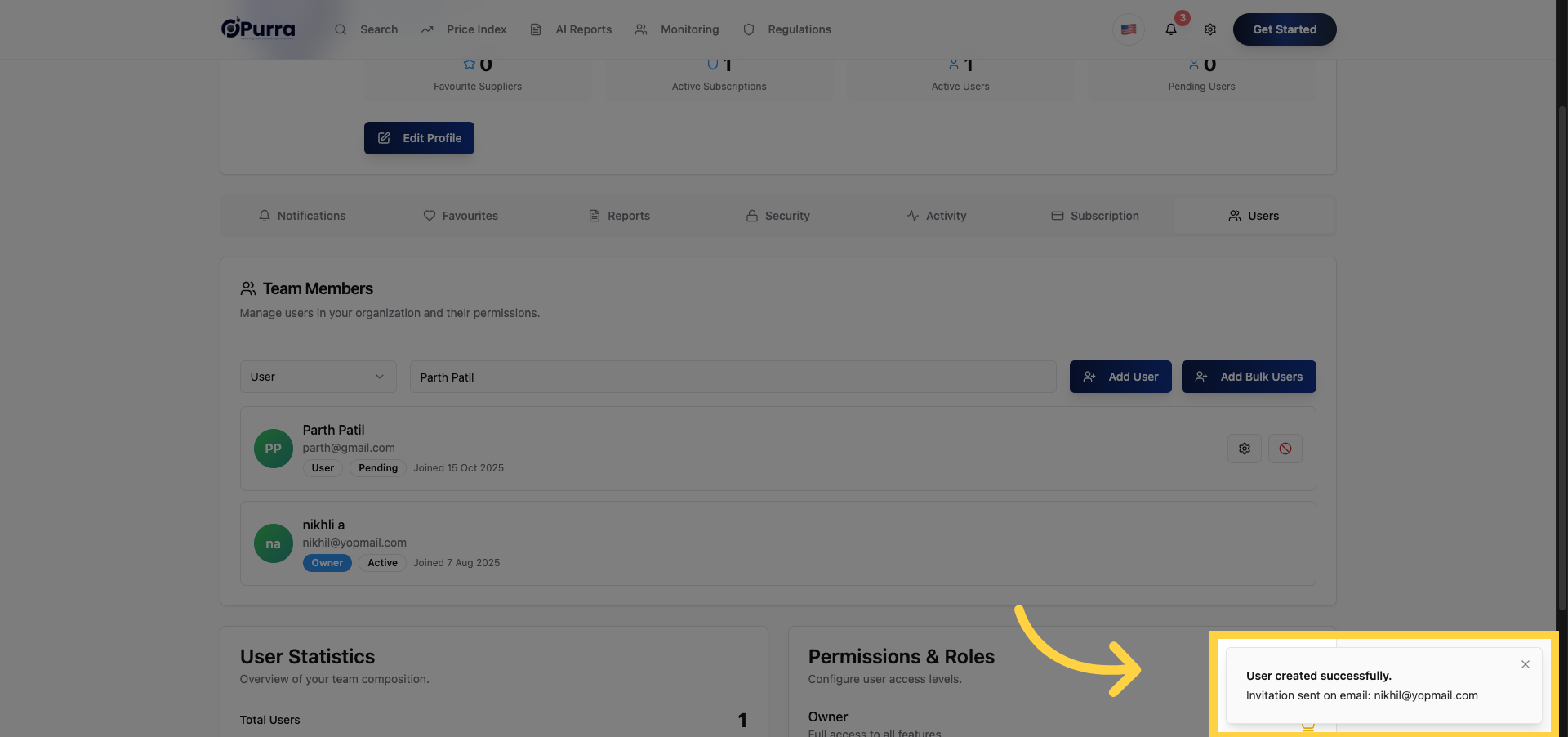
17. Acknowledge User Creation
18. Select Pending Status
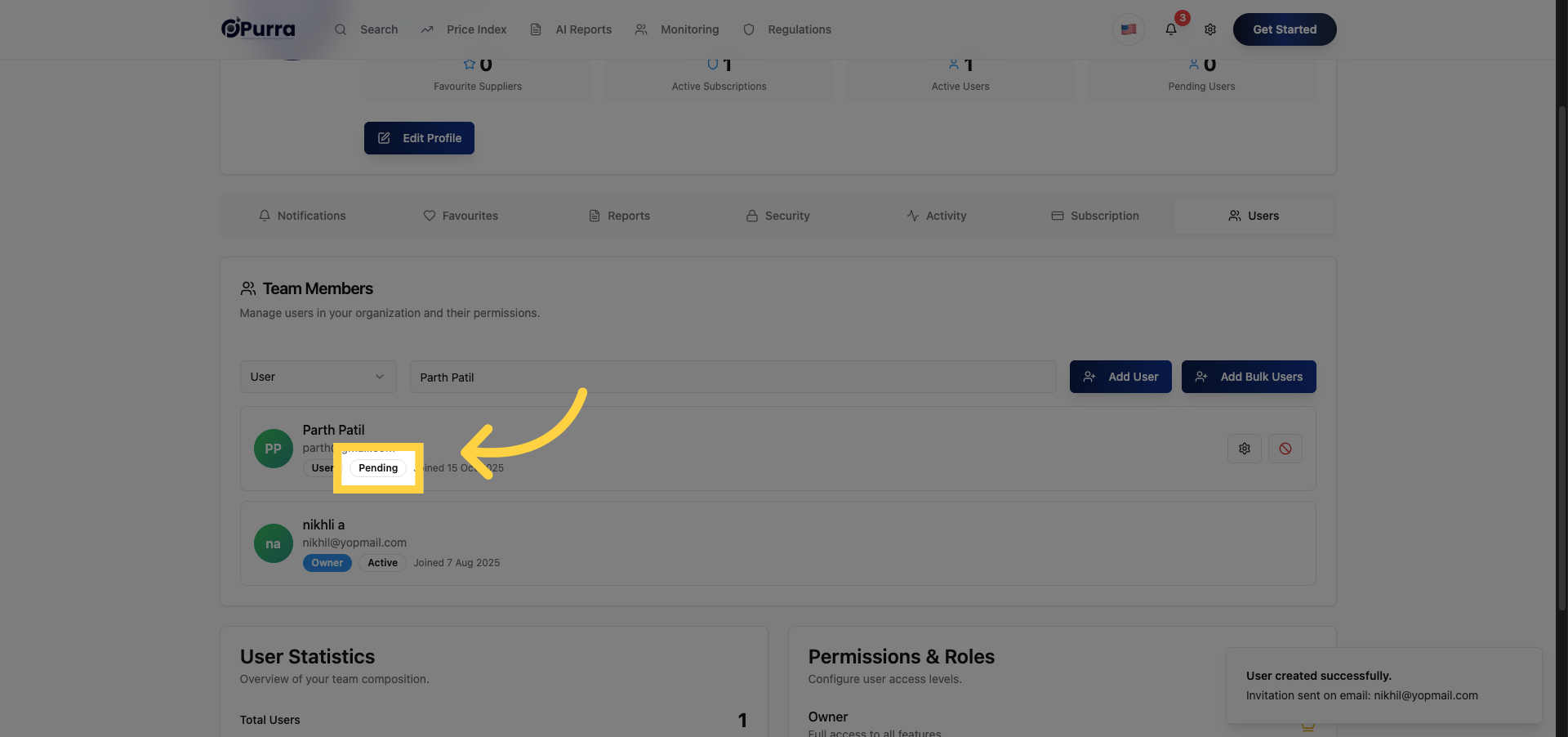
19. Click Designated Area
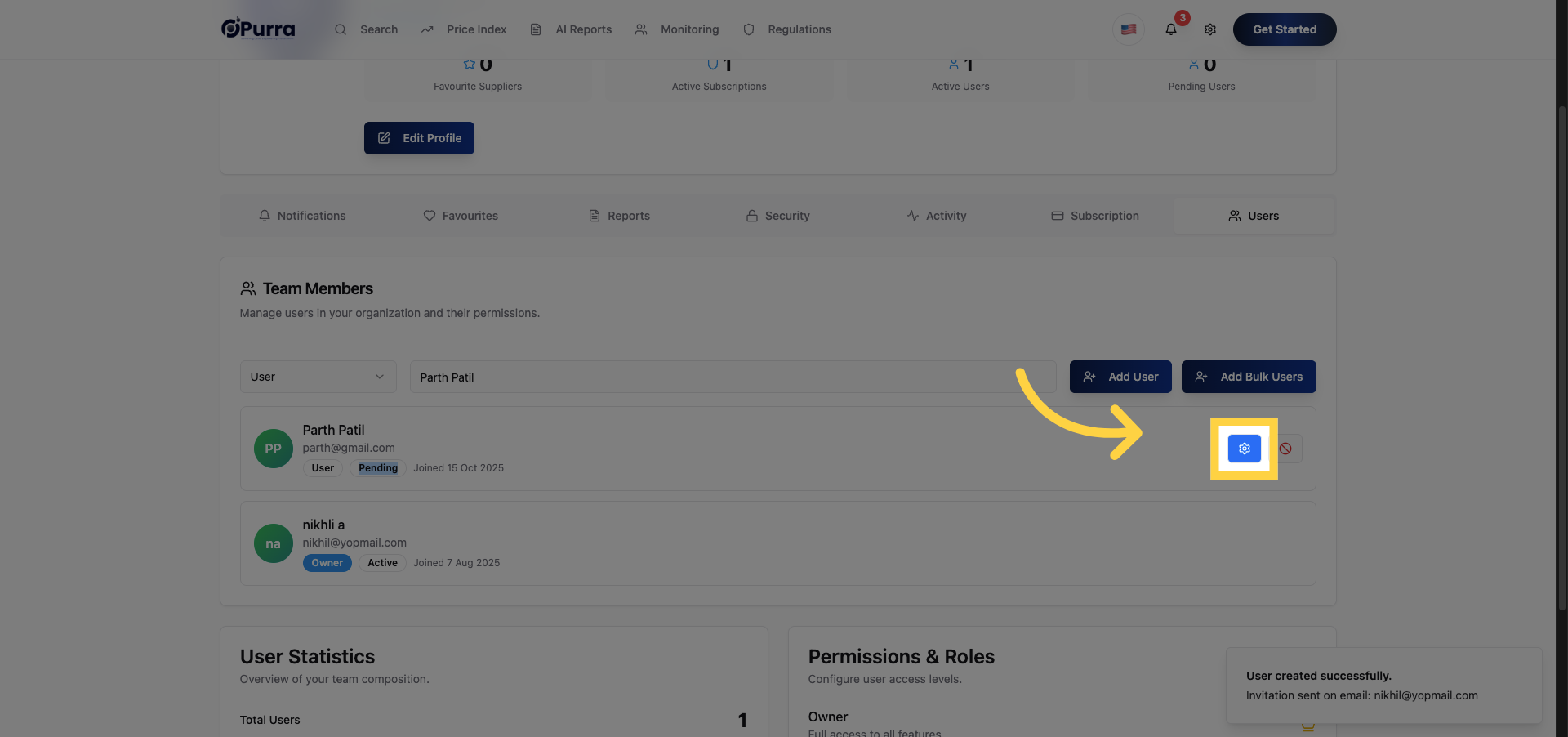
20. Set User Status to Active
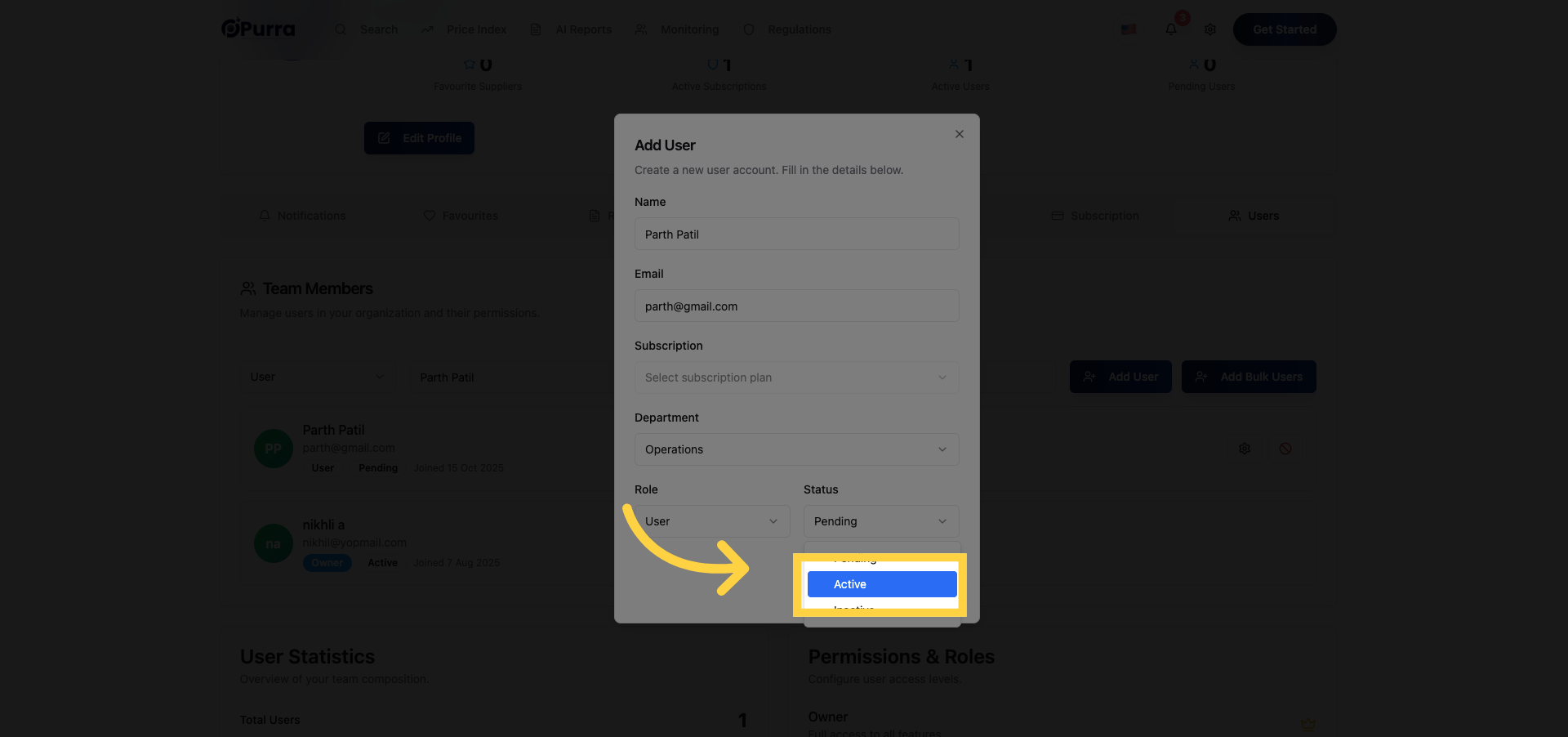
21. Confirm Add User Action
22. Open Security Settings
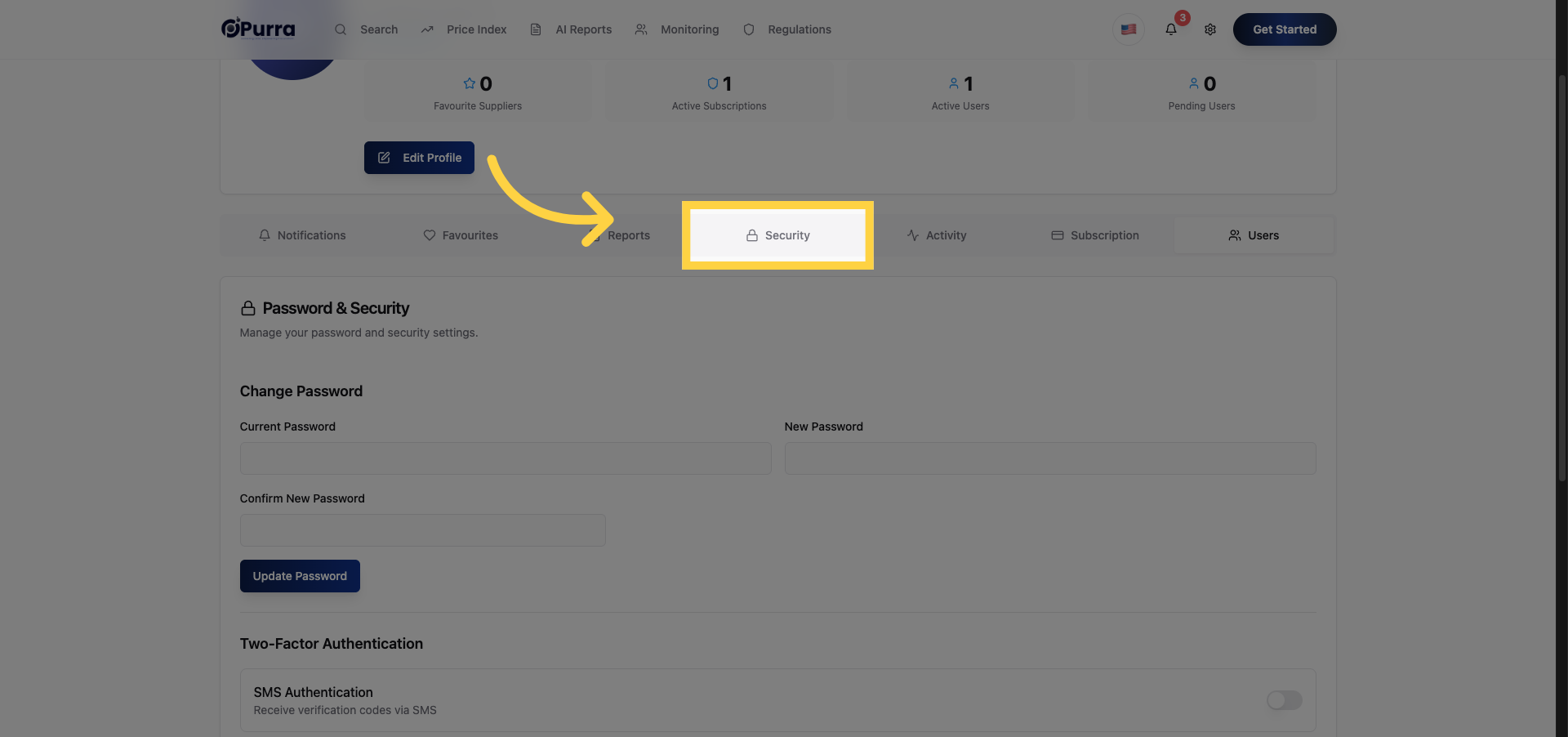
23. Select User Account Details
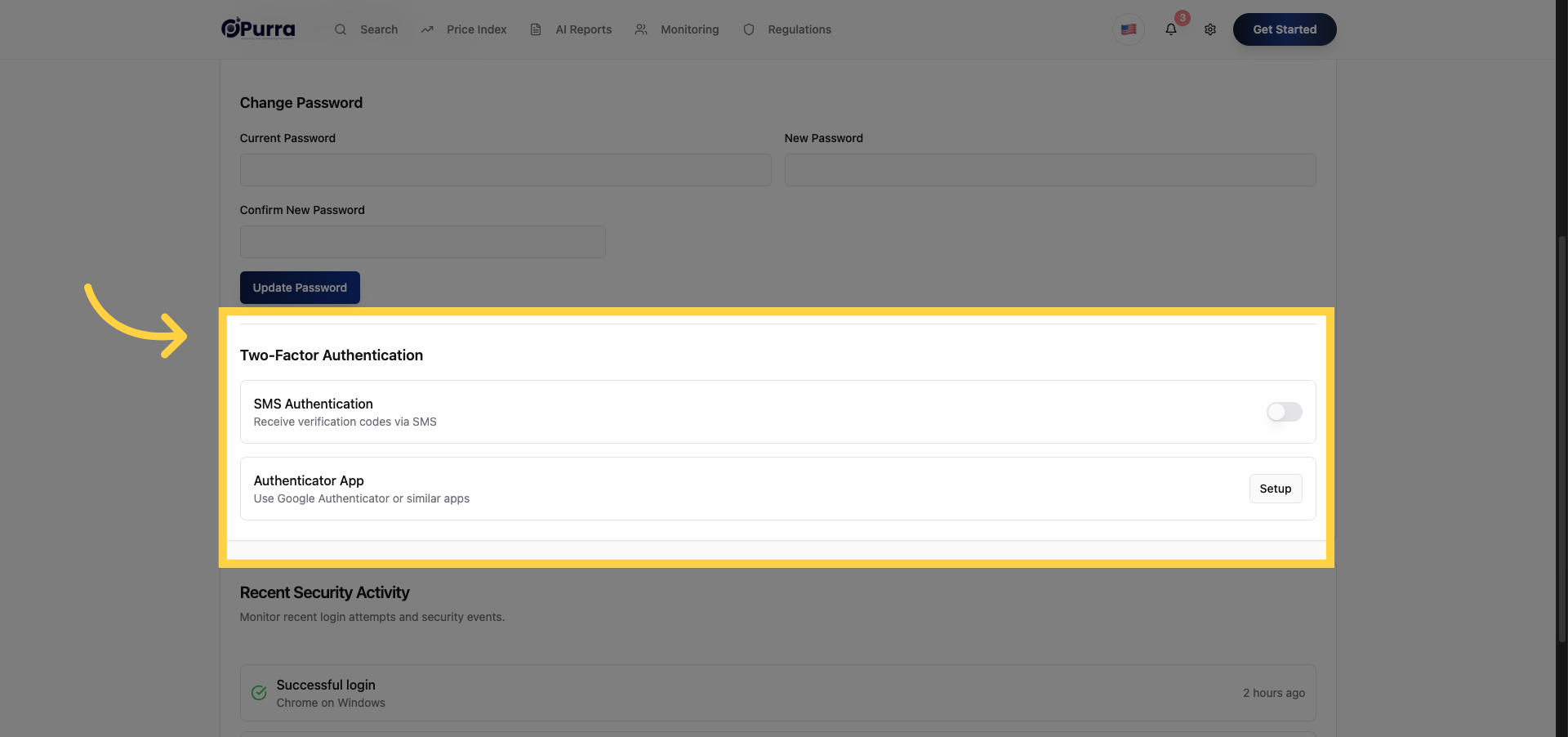
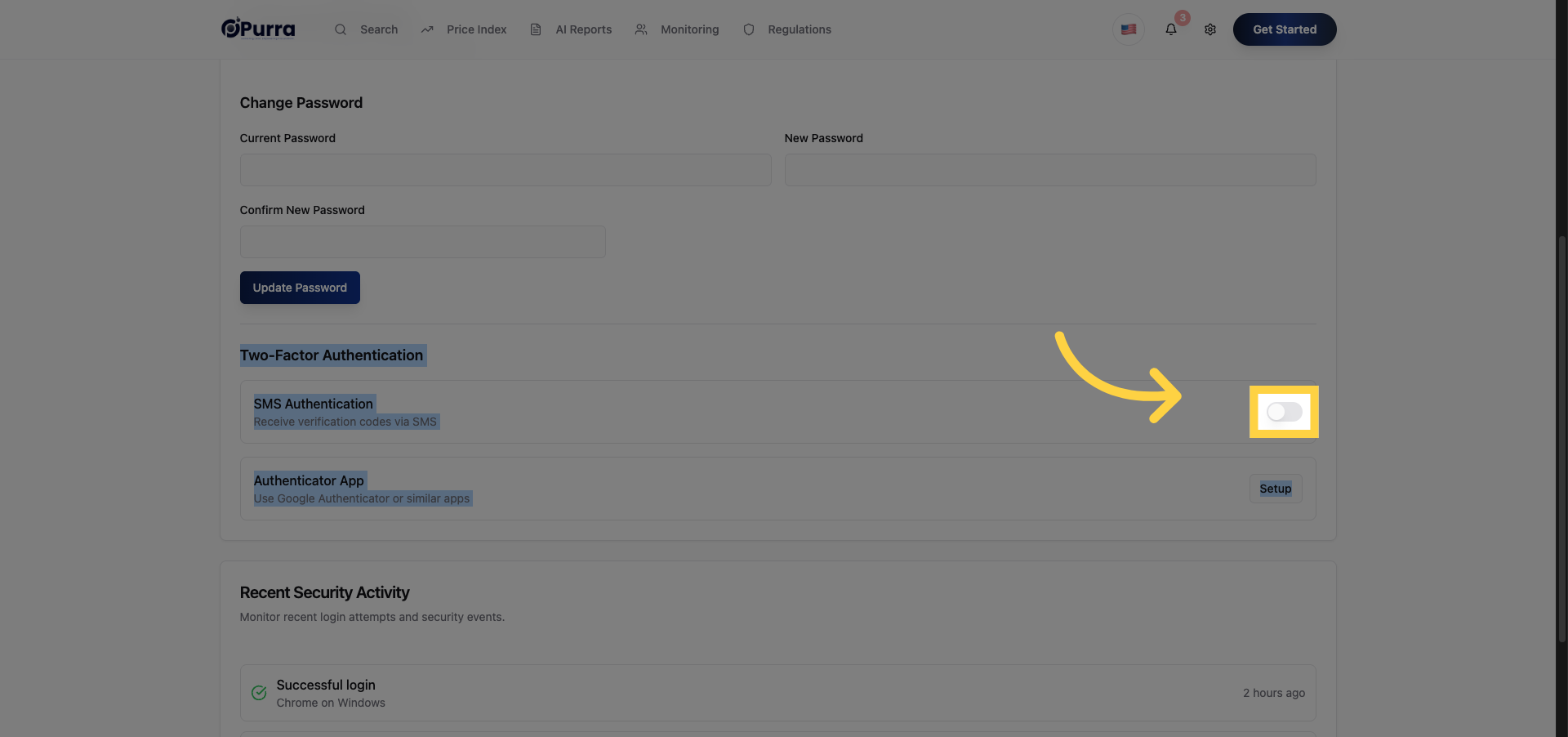
24. Enable Security Feature
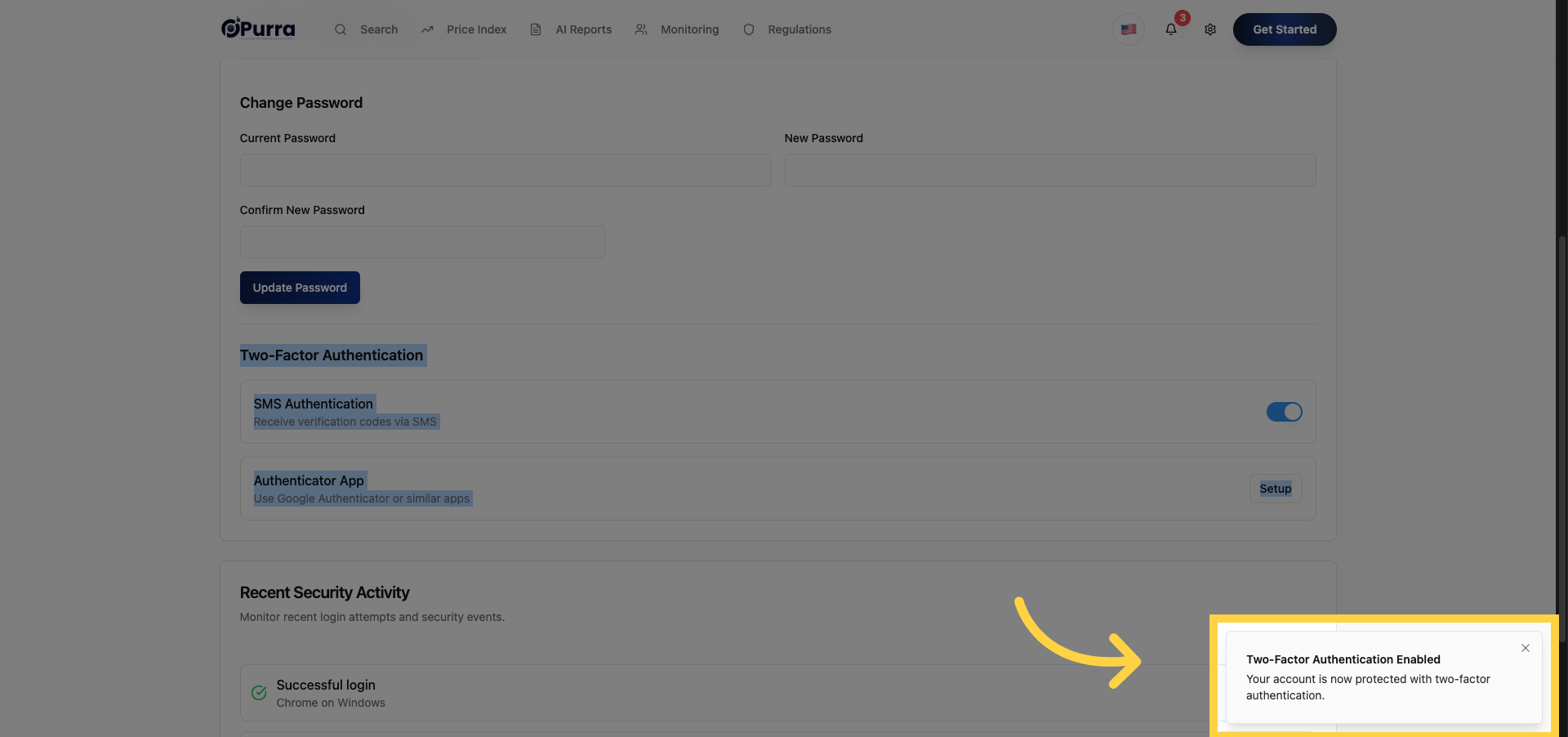
25. Confirm Two-Factor Authentication
Comments
0 comments
Please sign in to leave a comment.