
Go to app.purra.ai
1. Introduction
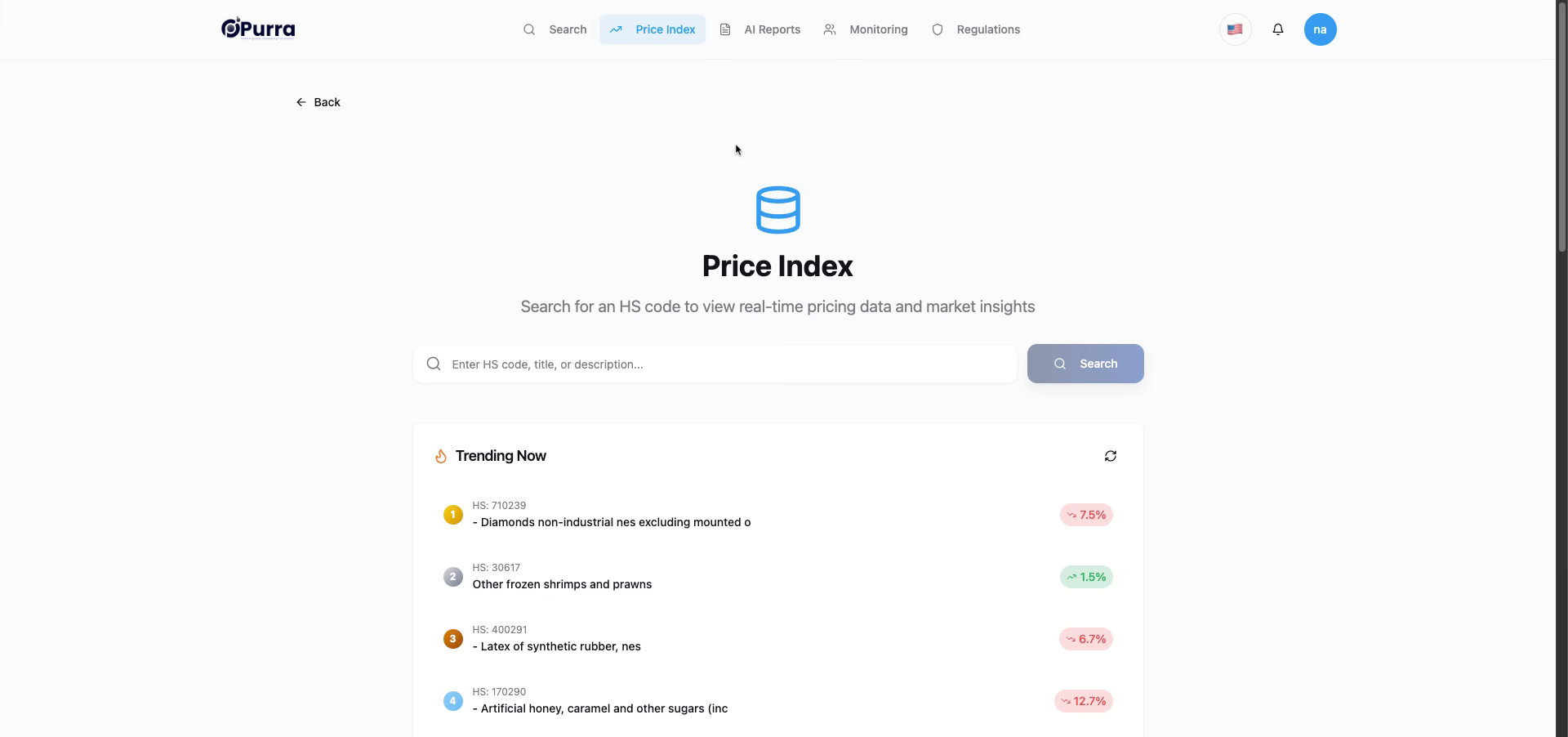
2. Access AI Reports Section
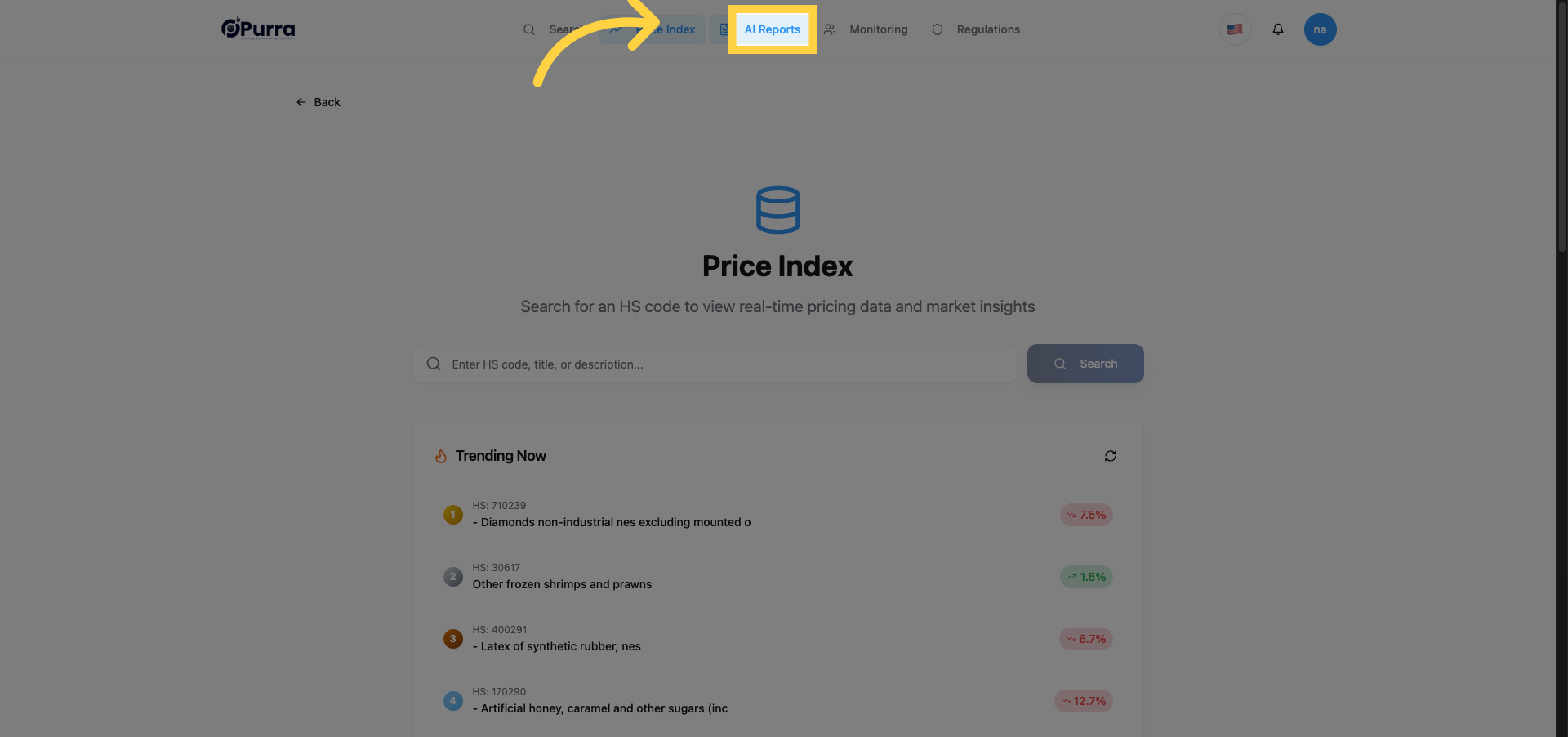
3. Open Top Suppliers/Buyers Report
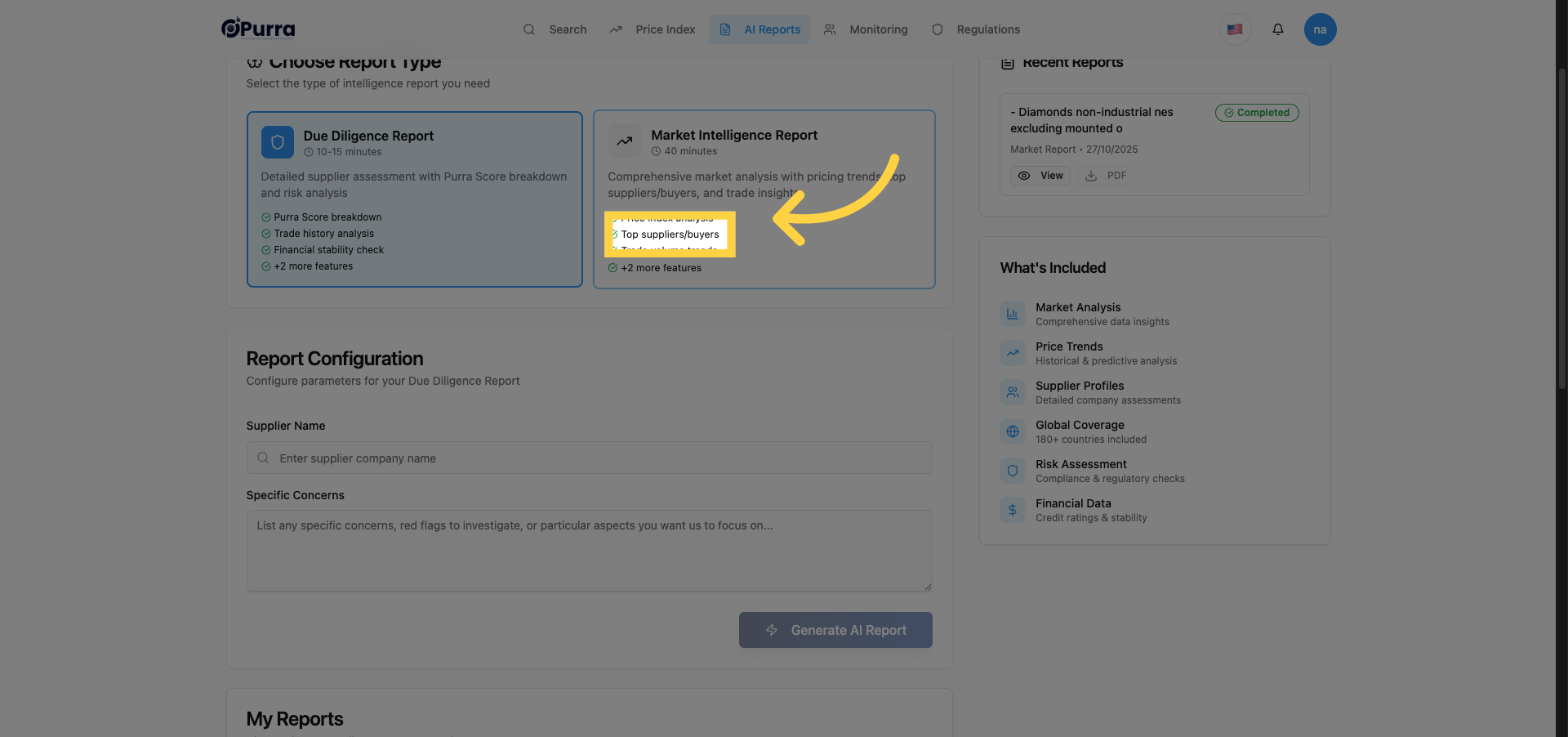
4. Select HS Code Product Filter
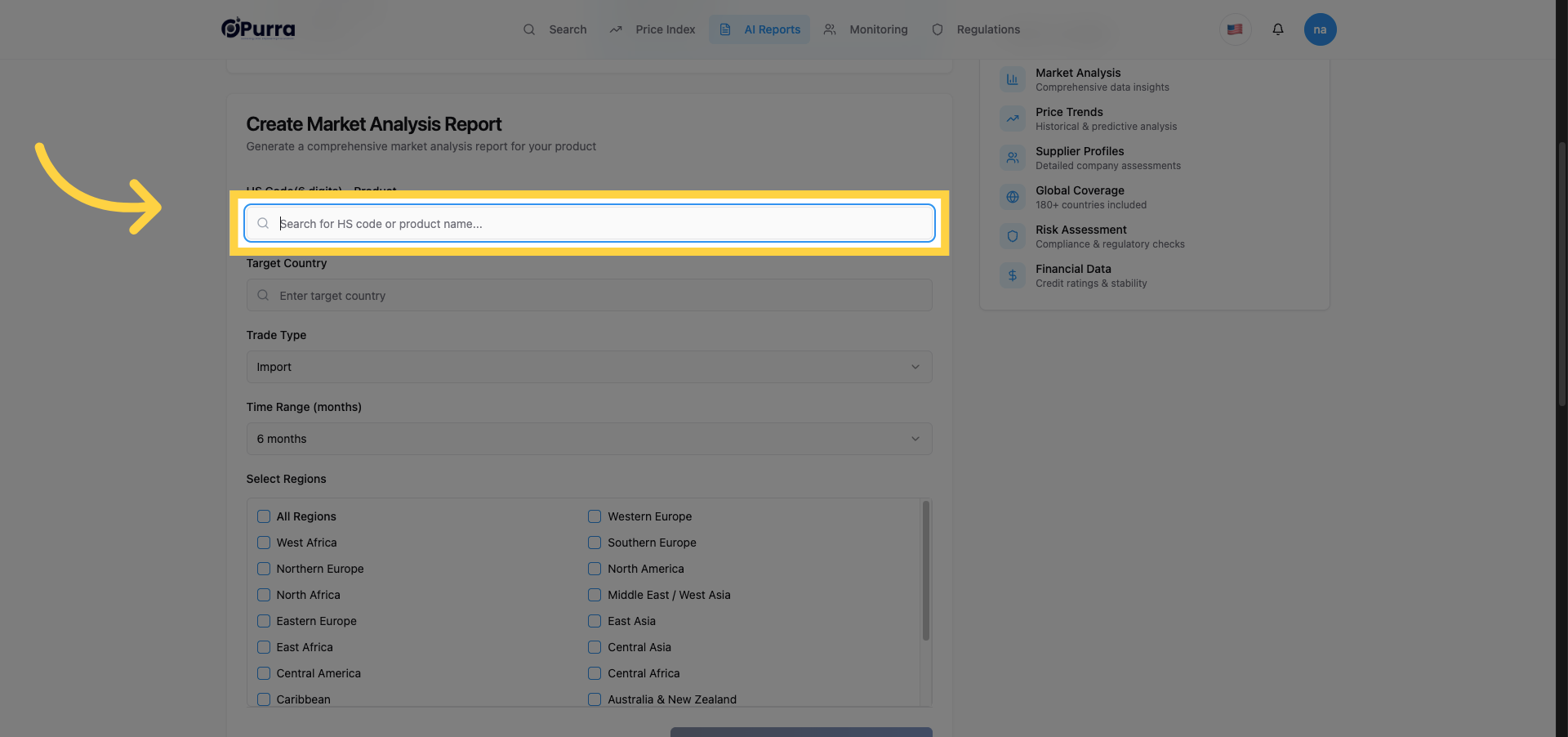
5. Enter HS Code
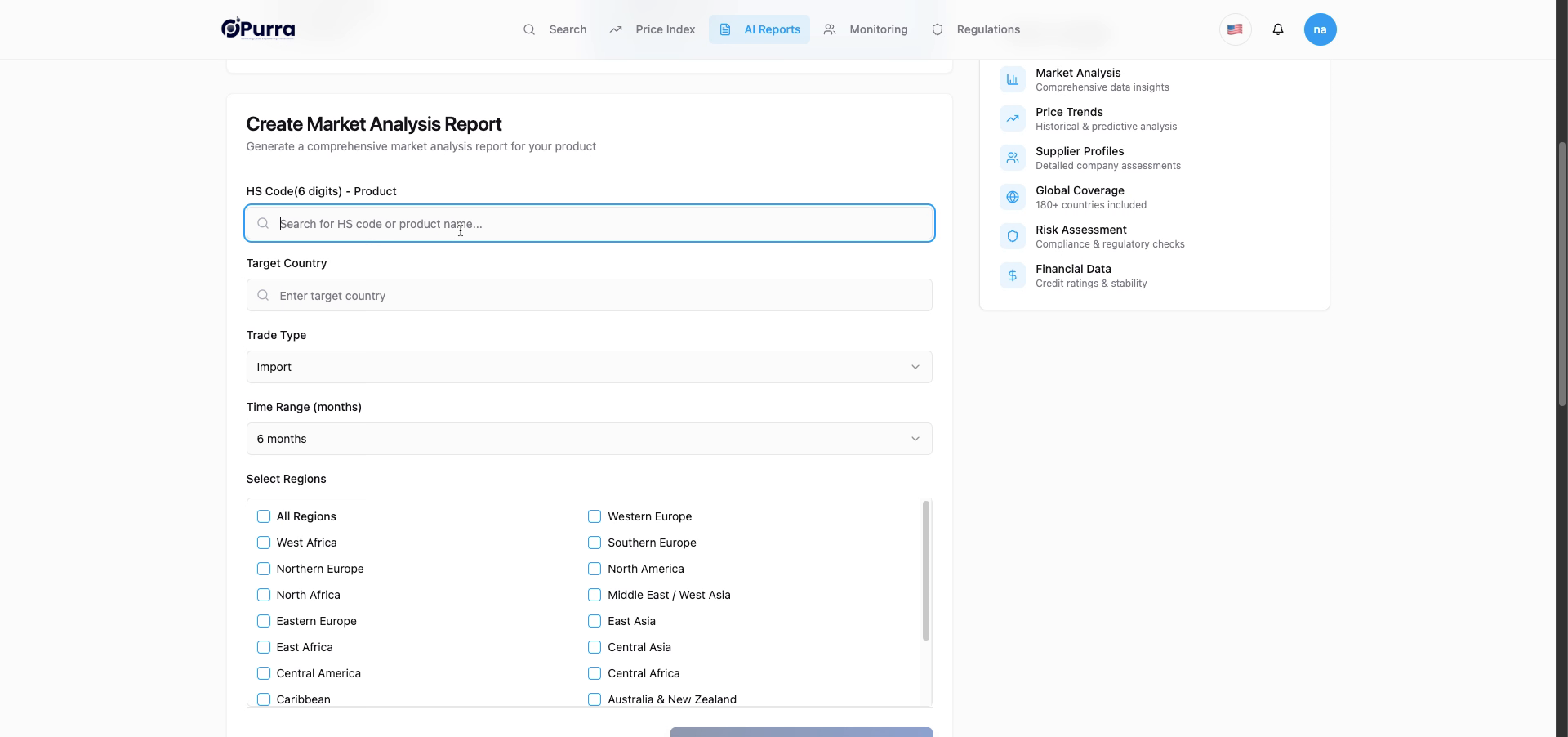
6. Choose Product from List
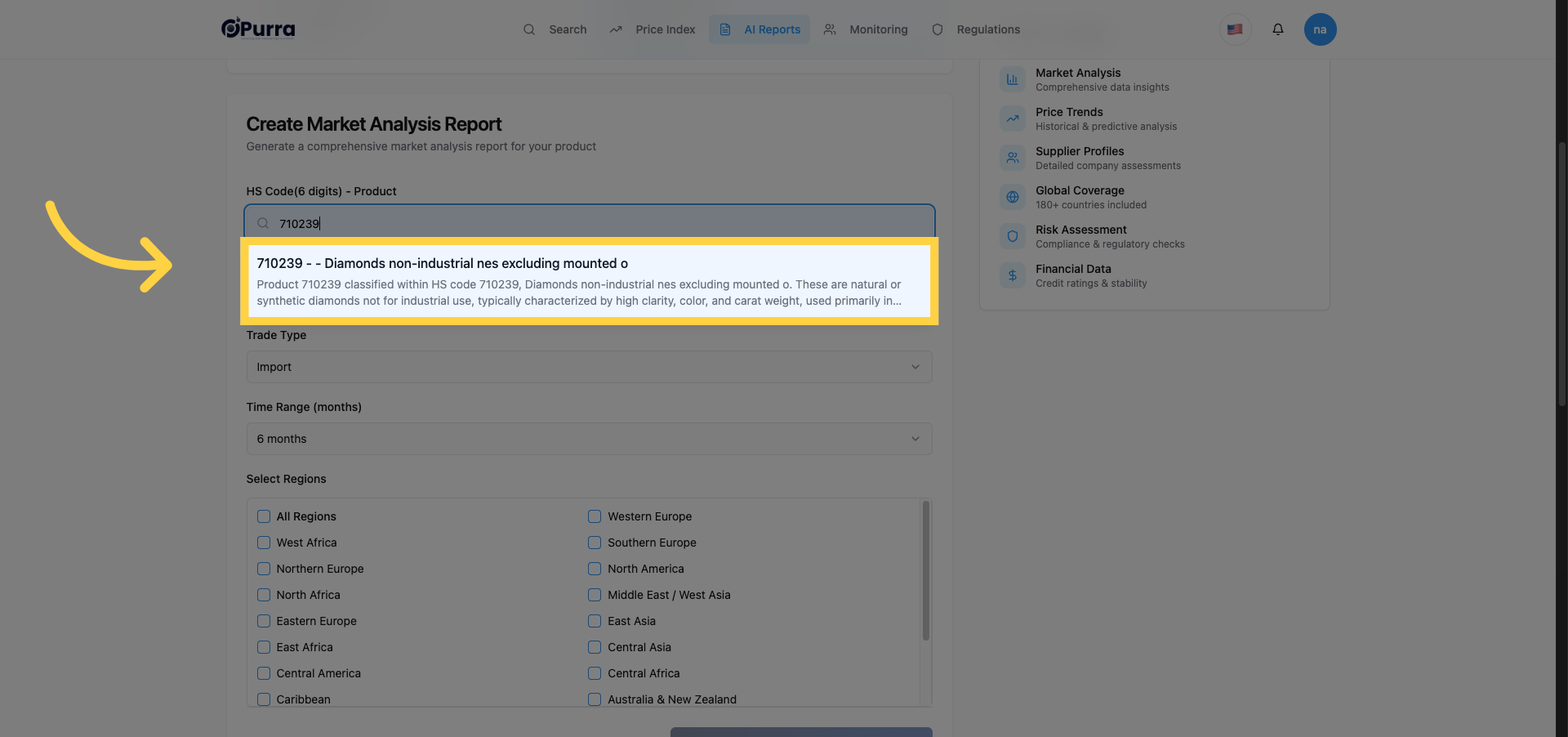
7. Open Target Country Filter
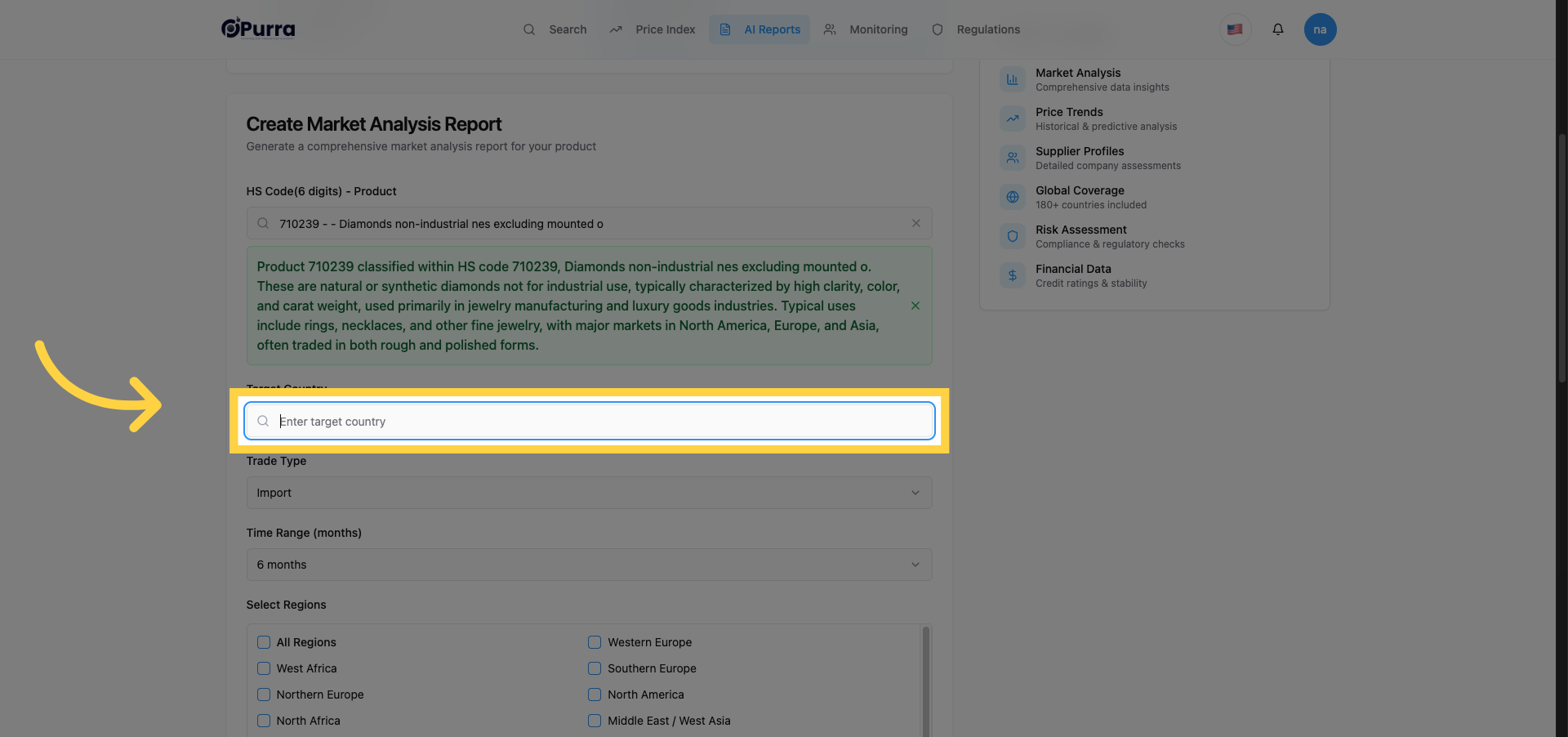
8. Enter Target Country Name
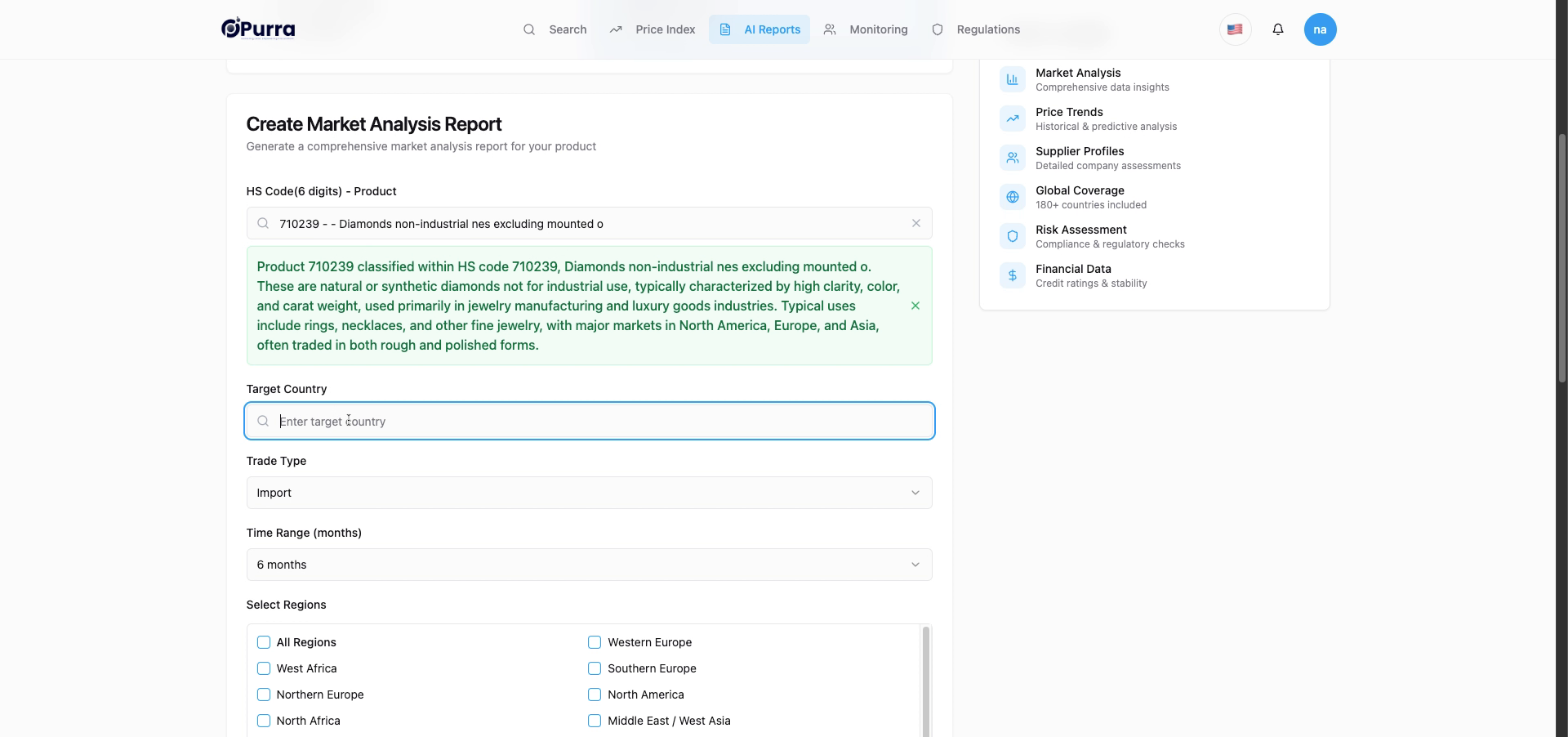
9. Select Import/Export Option
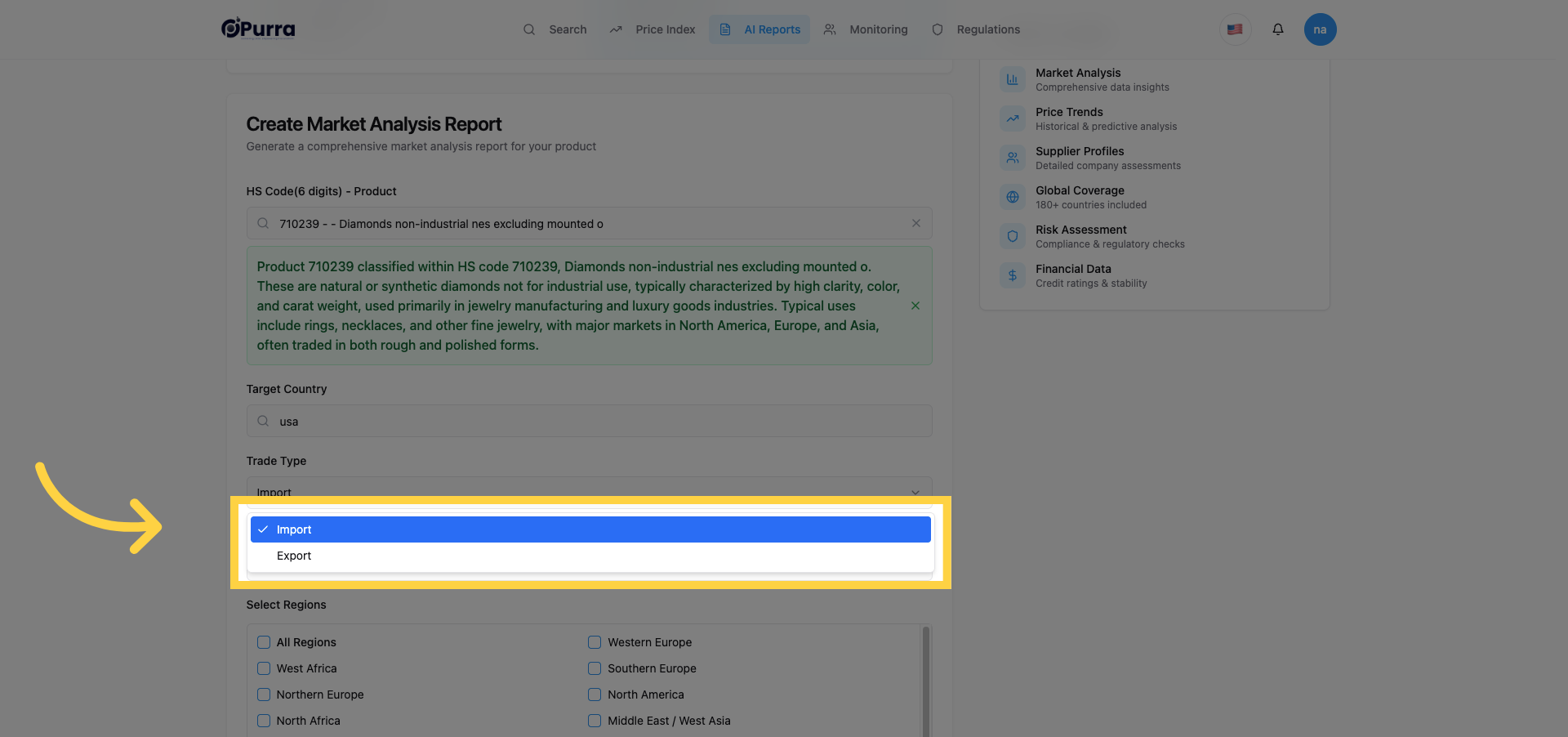
10. Confirm Import Selection
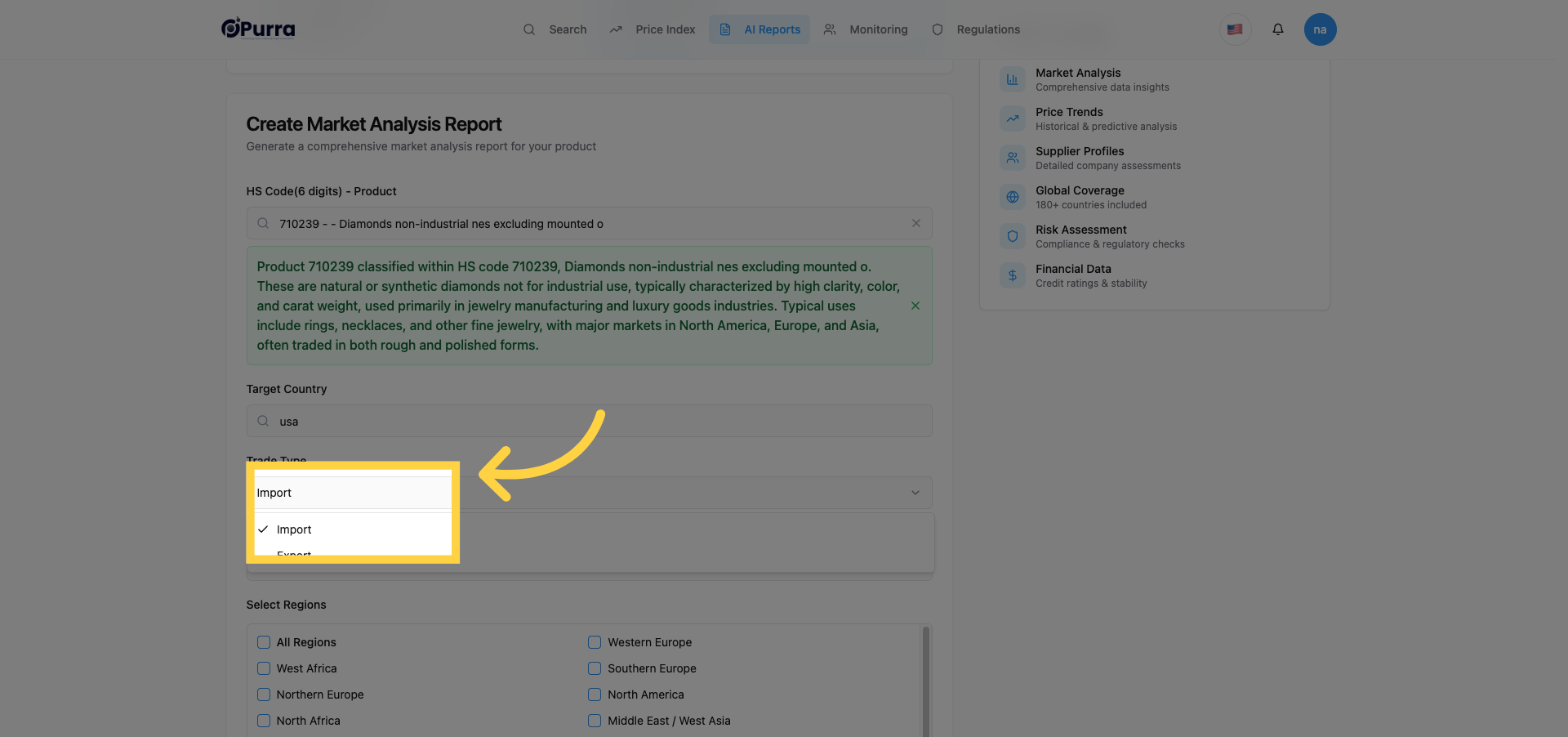
11. Reopen Target Country Filter
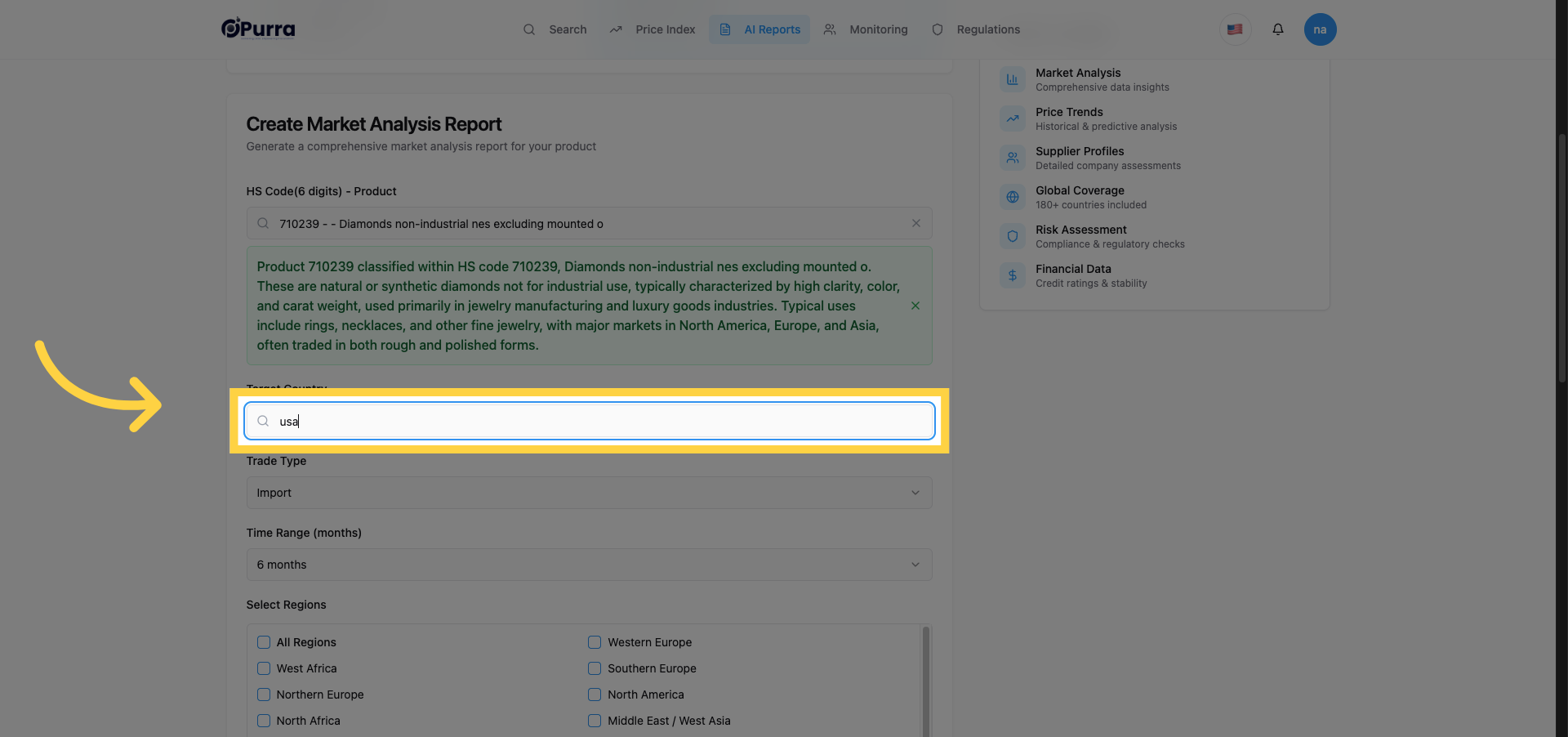
12. Enter Alternate Country Code
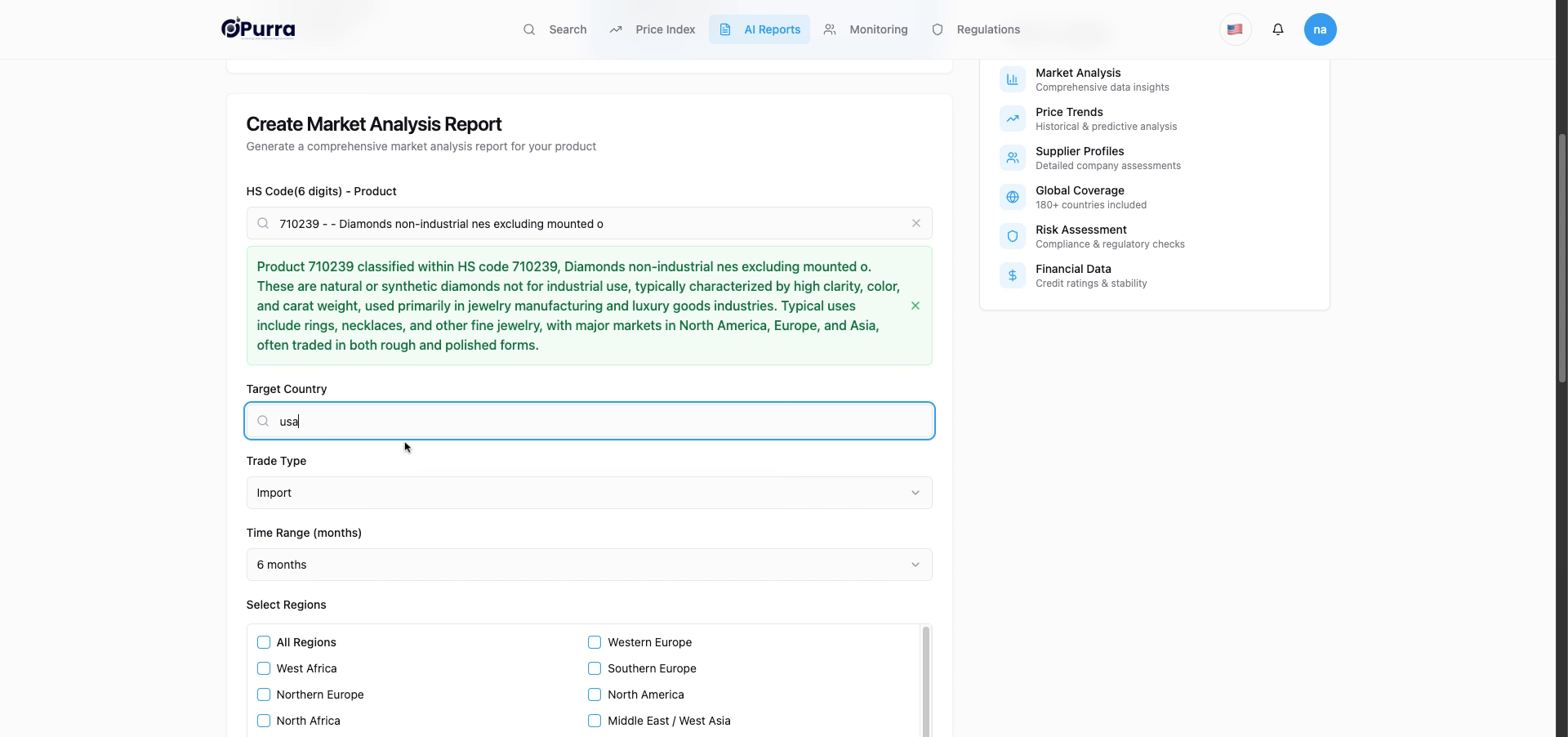
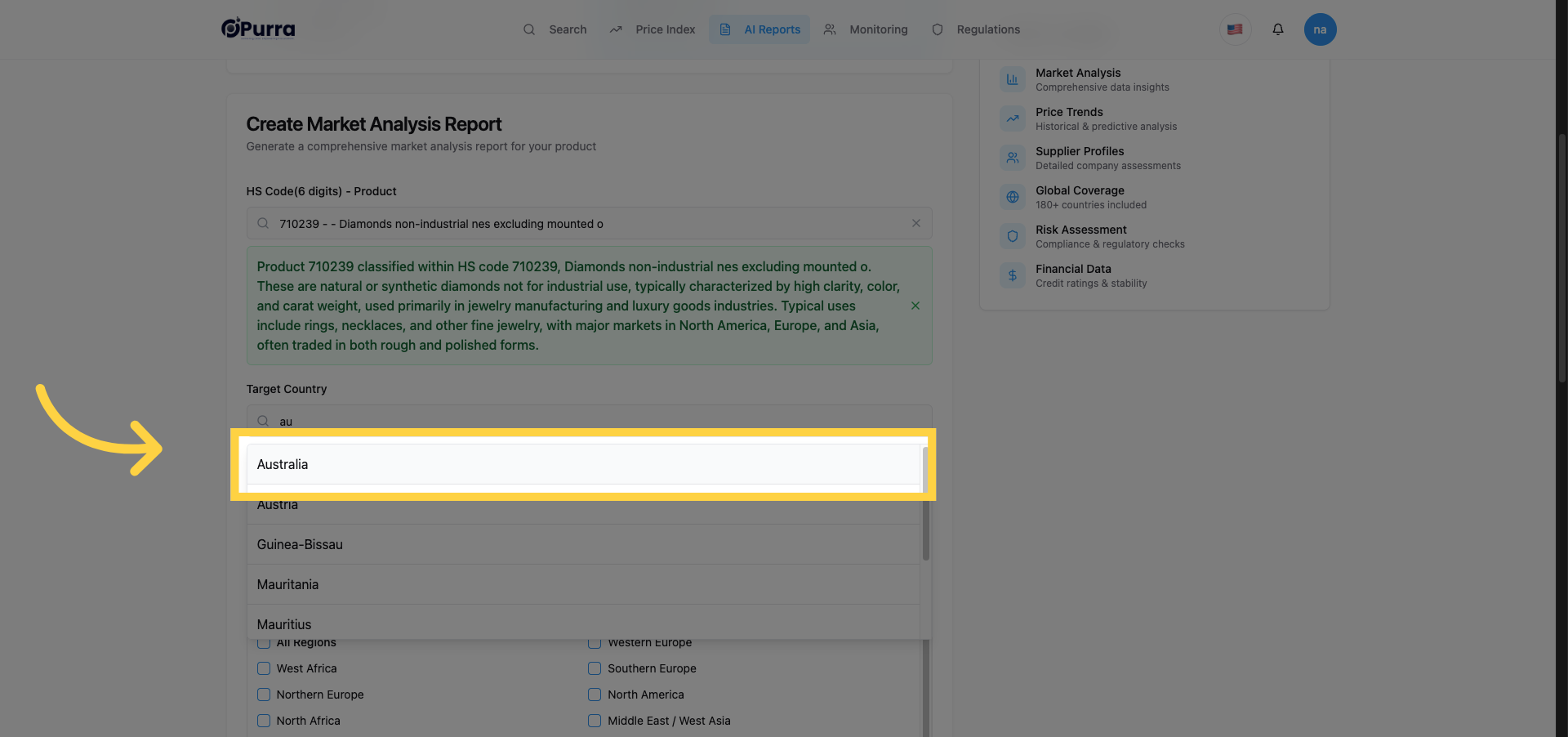
13. Select Country from Suggestions
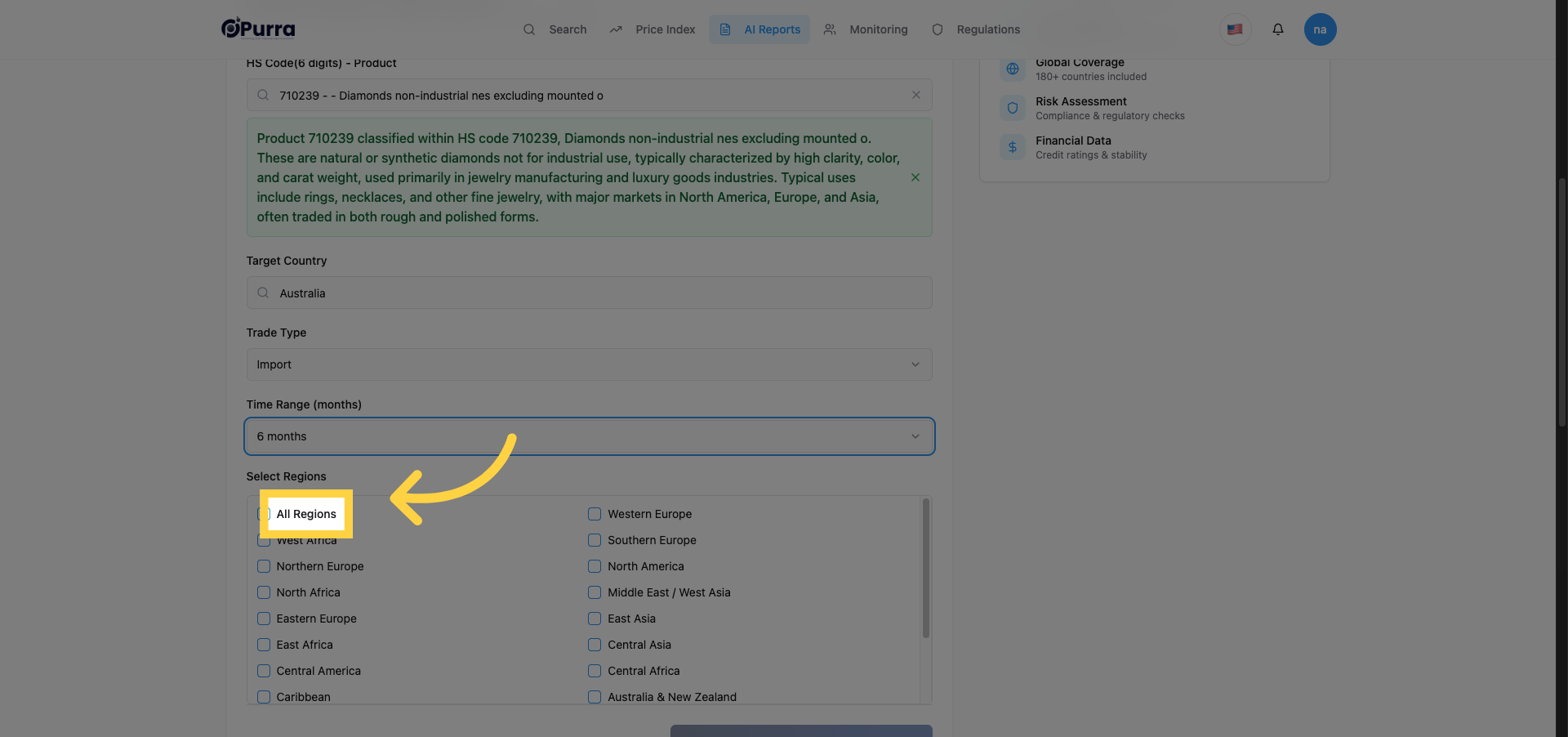
14. Select All Regions Option
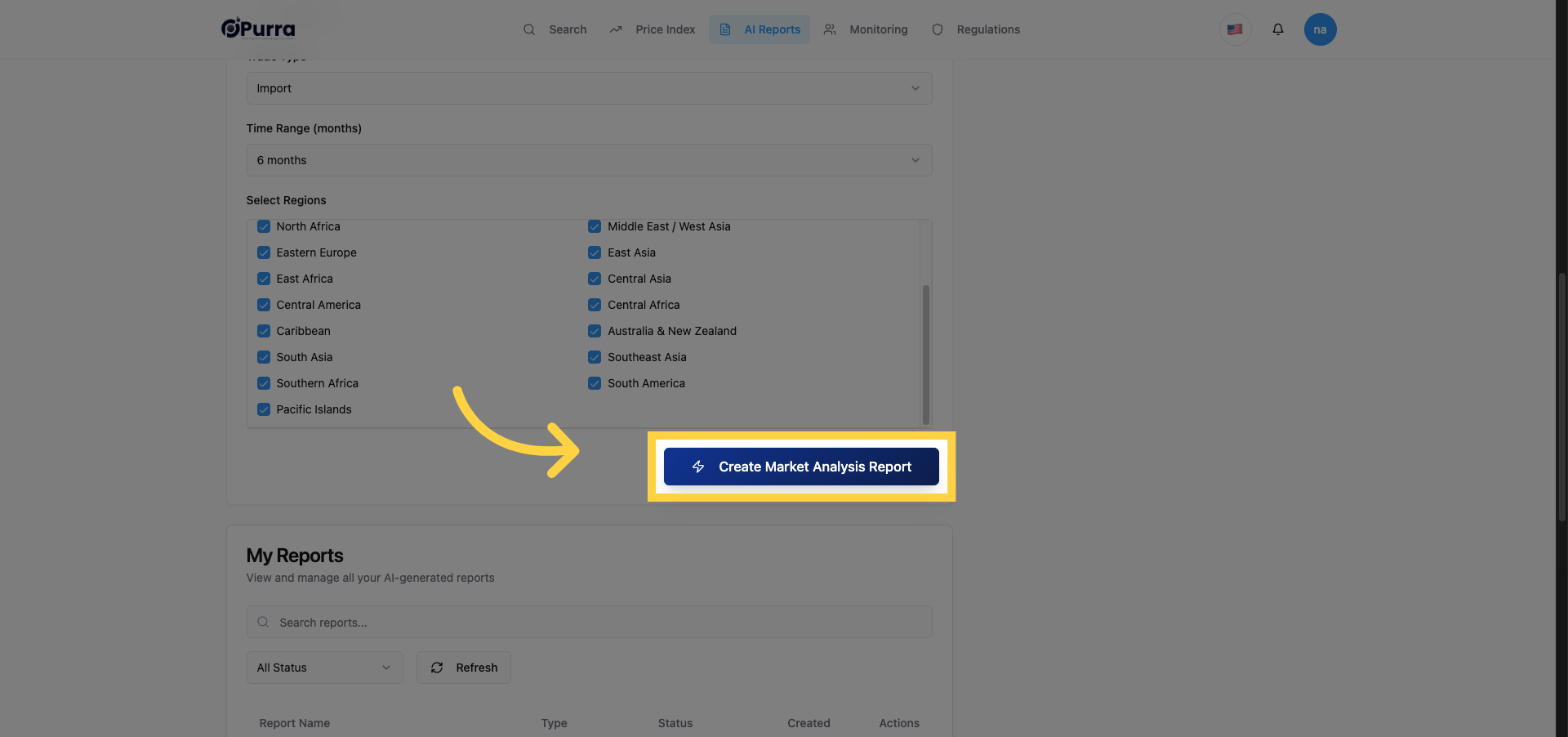
15. Initiate Market Analysis Report
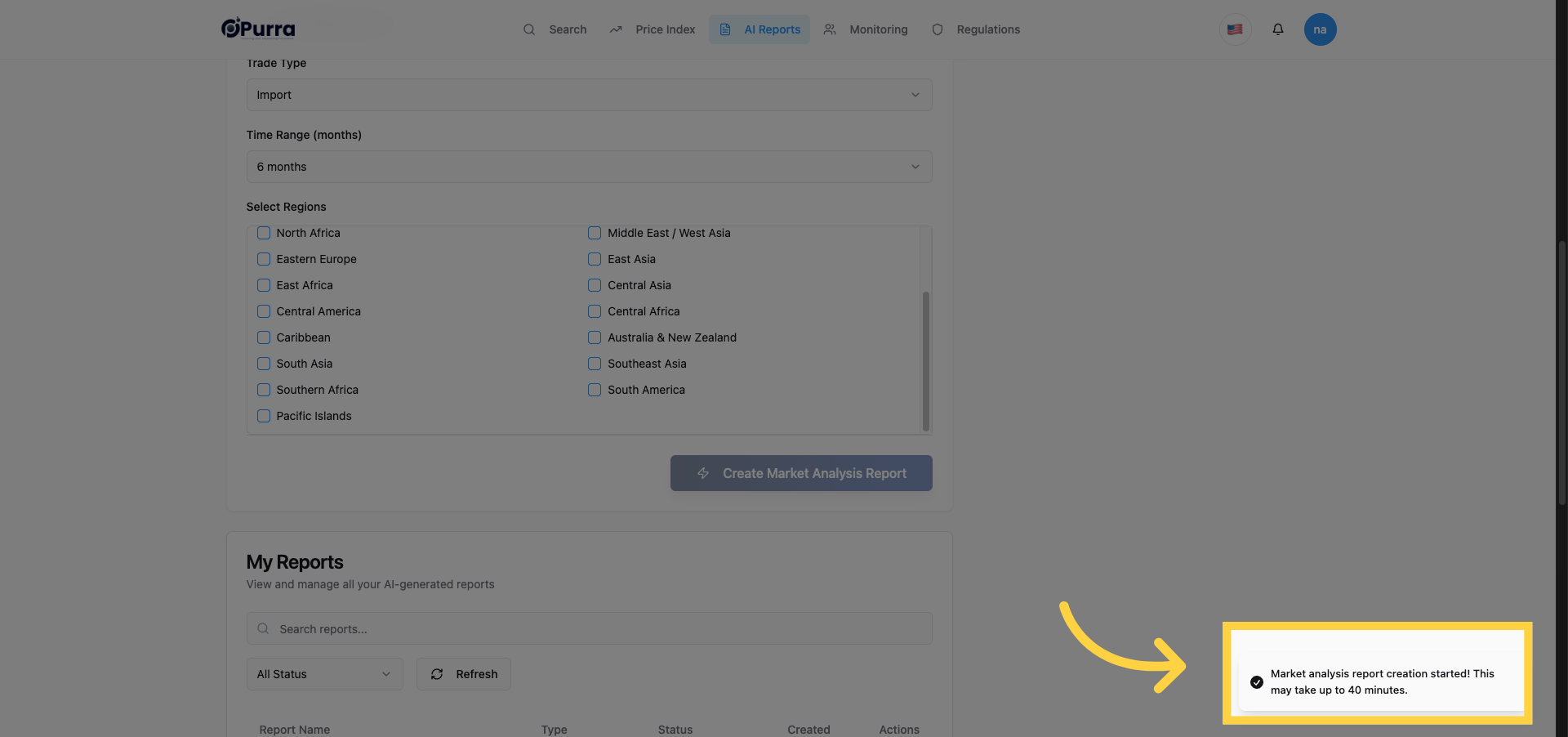
16. Acknowledge Report Generation Notice
17. Navigate to My Reports
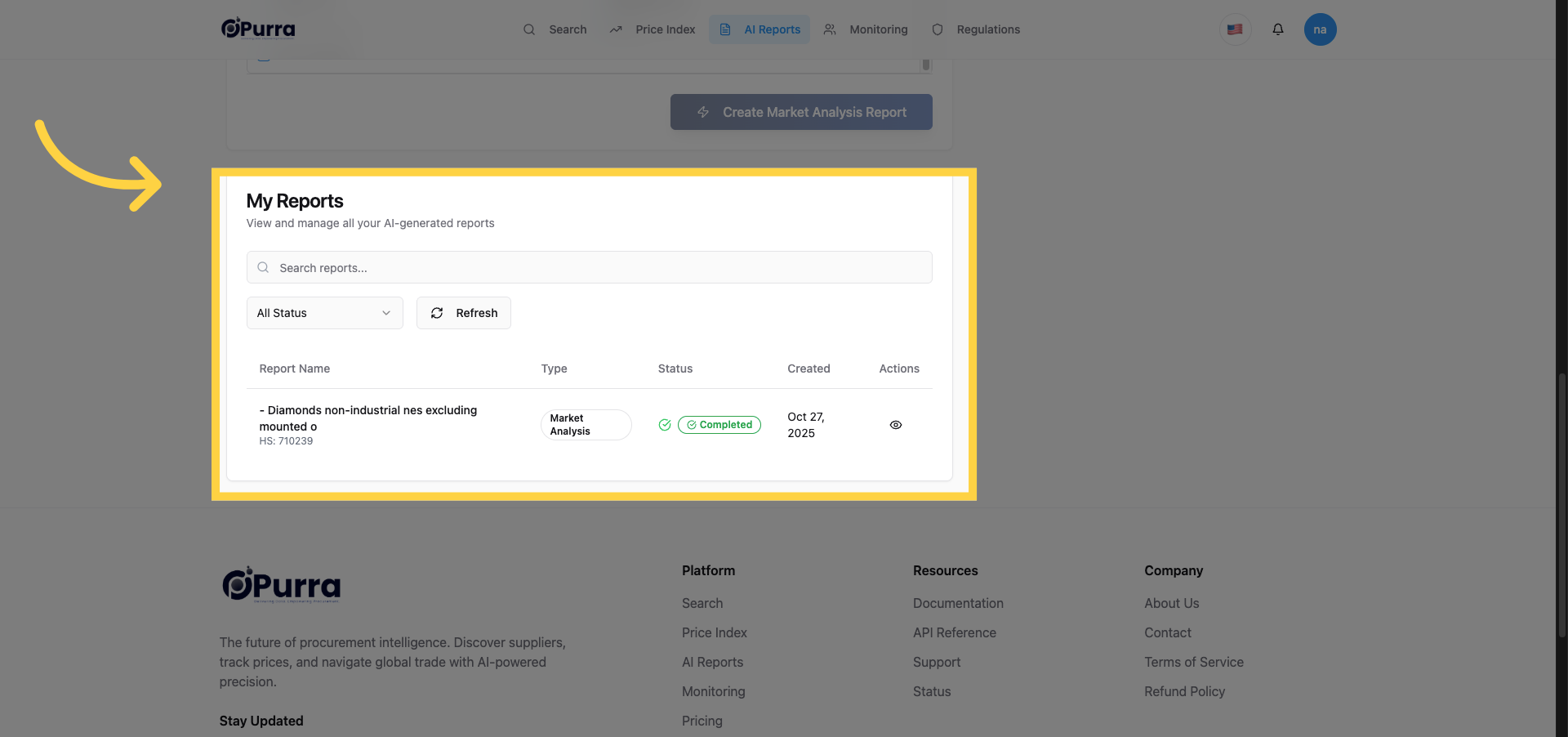
18. Open Latest Report
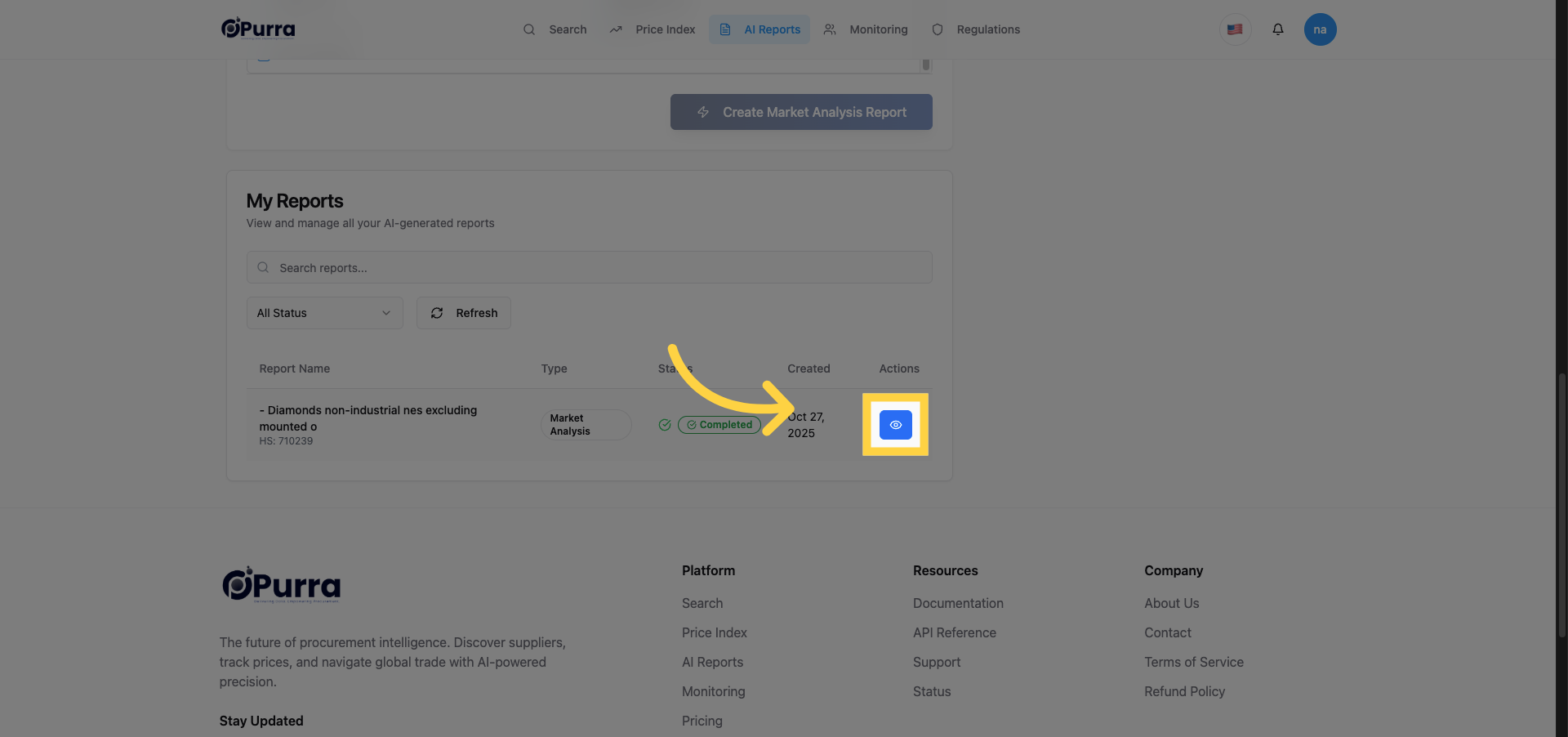
19. View Market Analysis Report Details
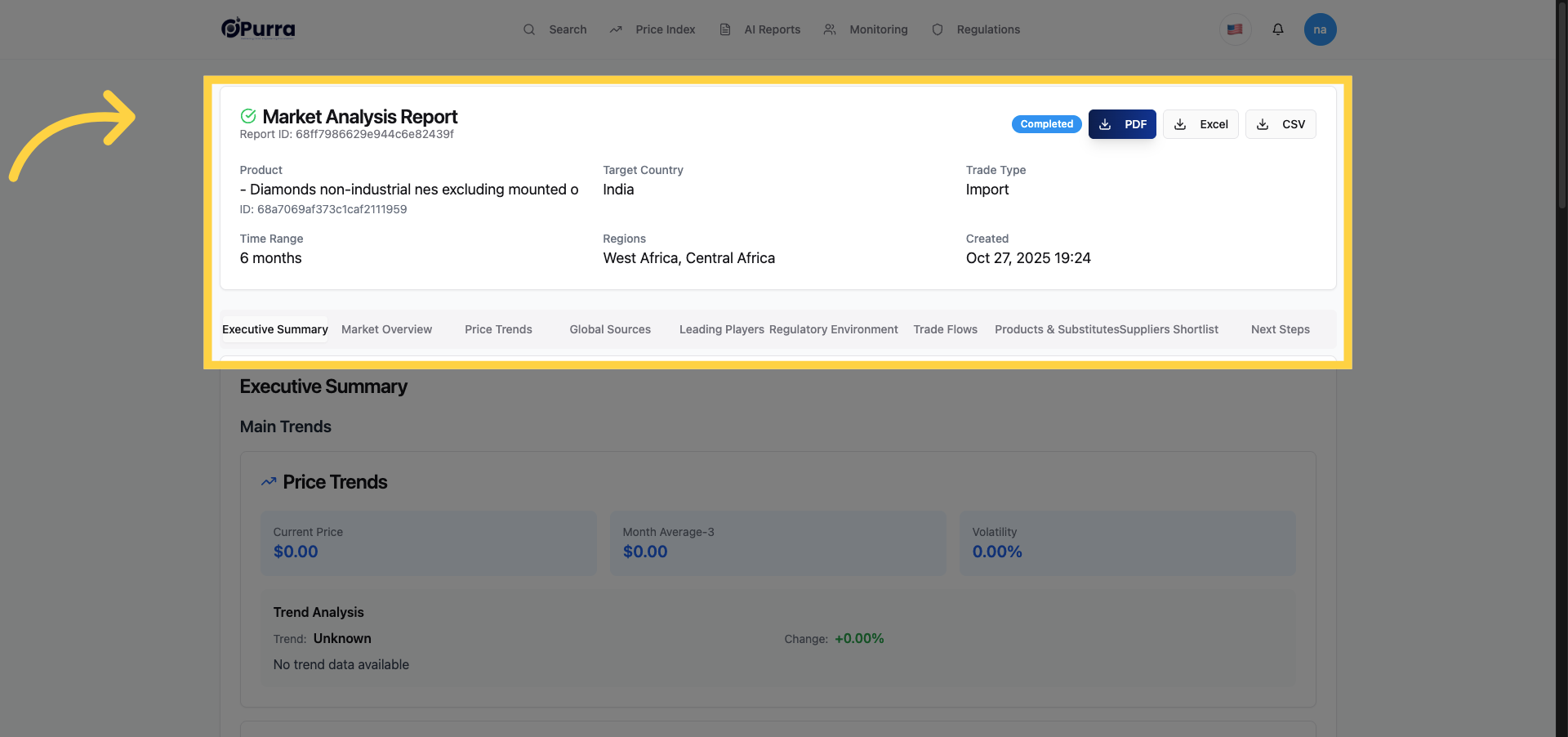
20. Explore Main Trends Section
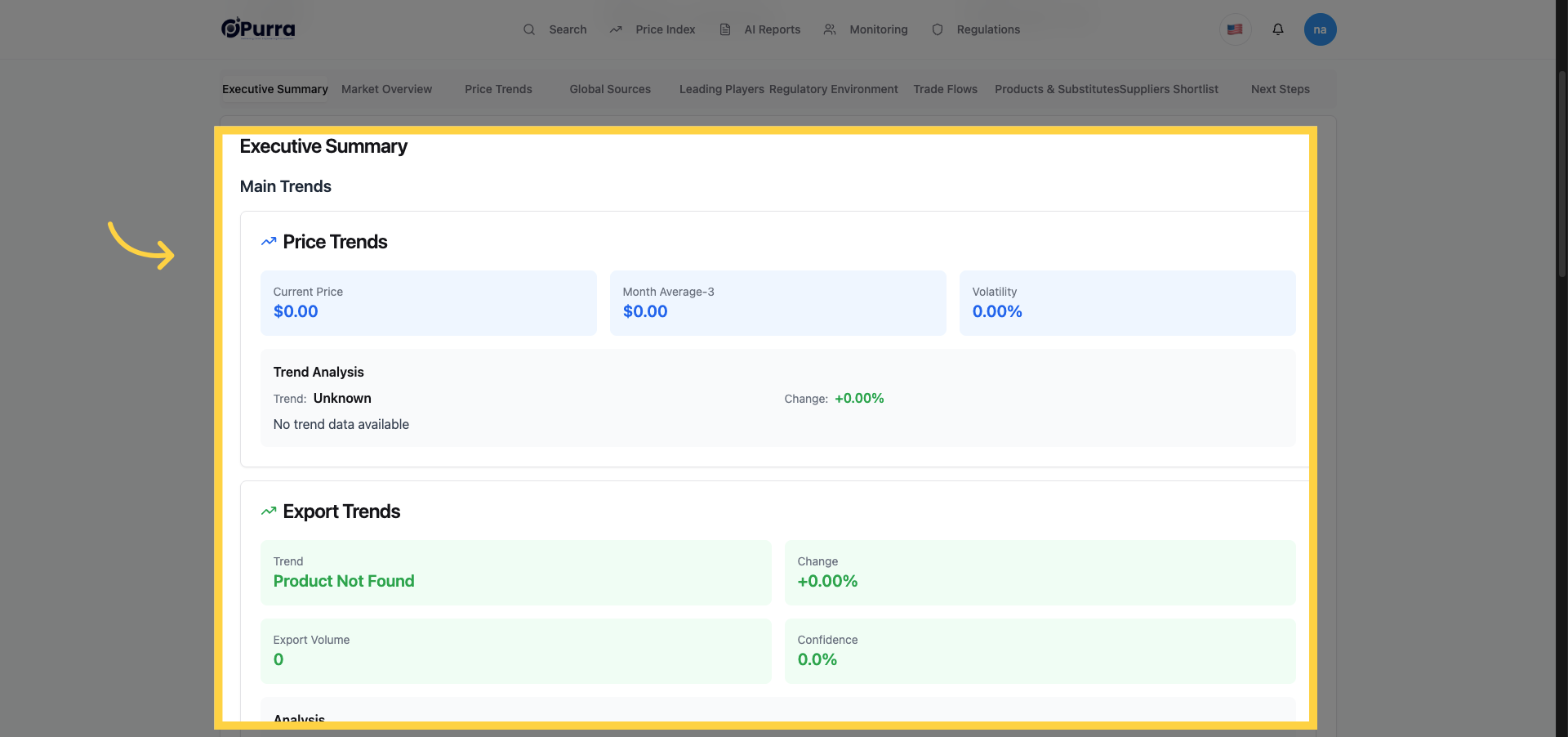
21. Access Export Trends Data
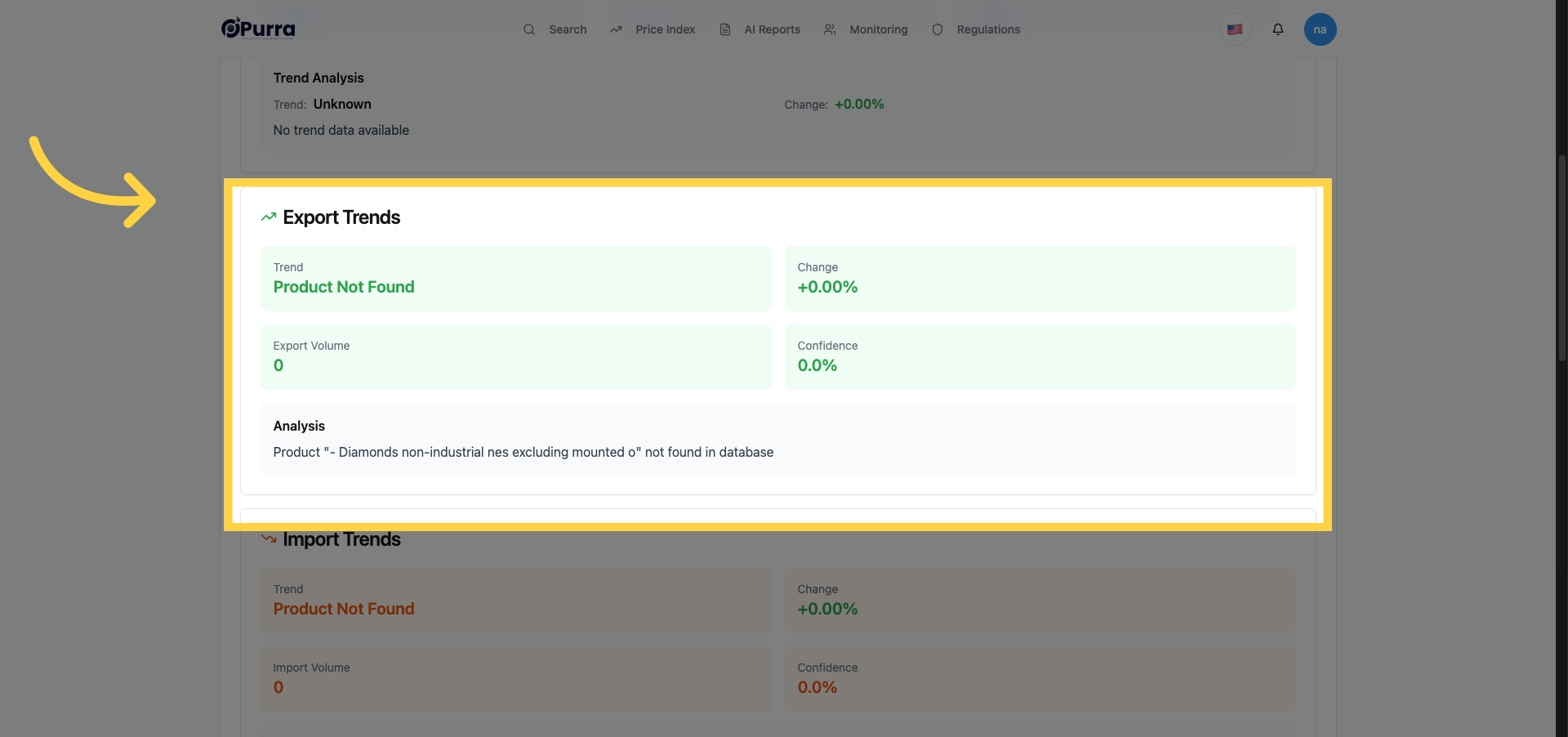
22. Access Import Trends Data
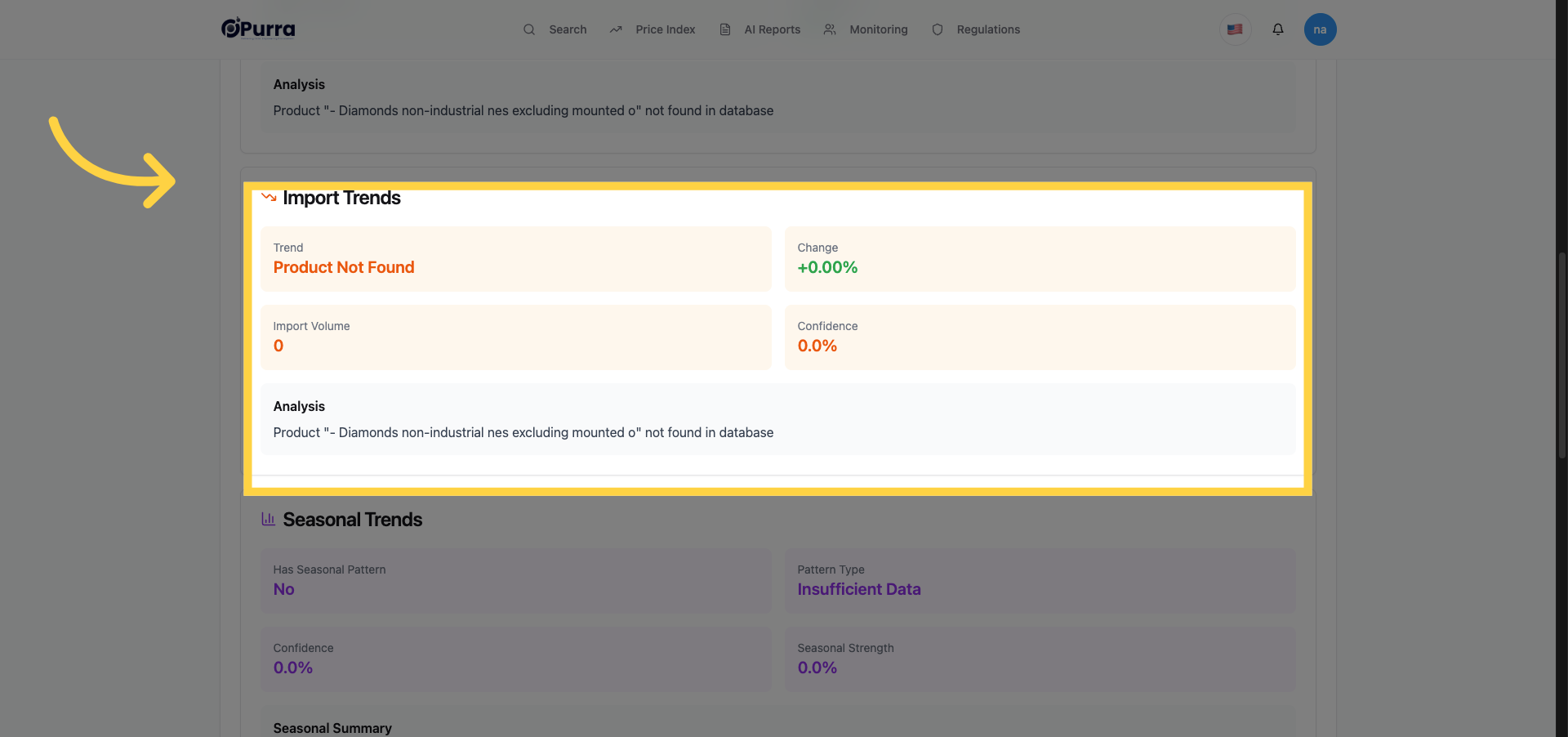
23. View Seasonal Trends
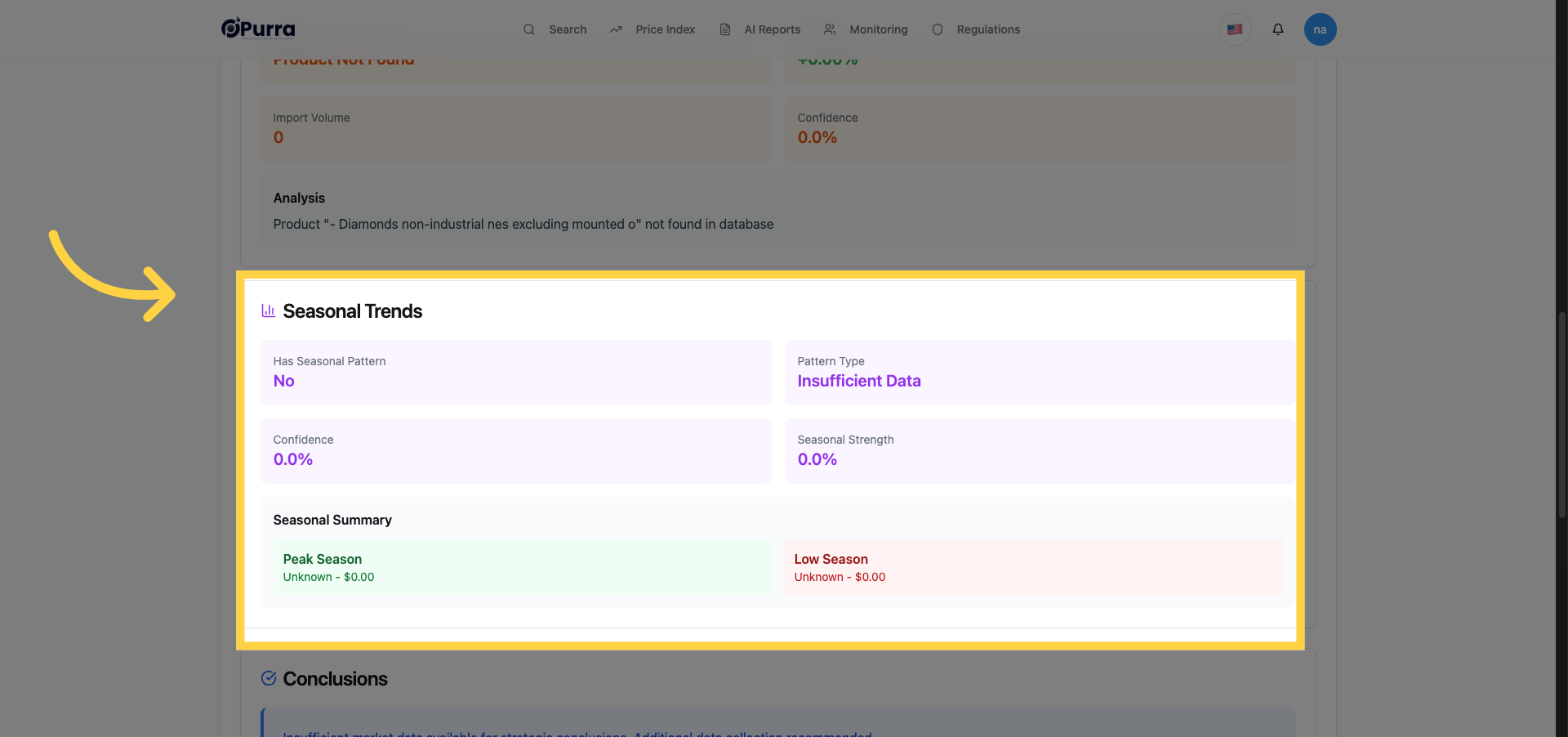
24. Read Conclusions Section
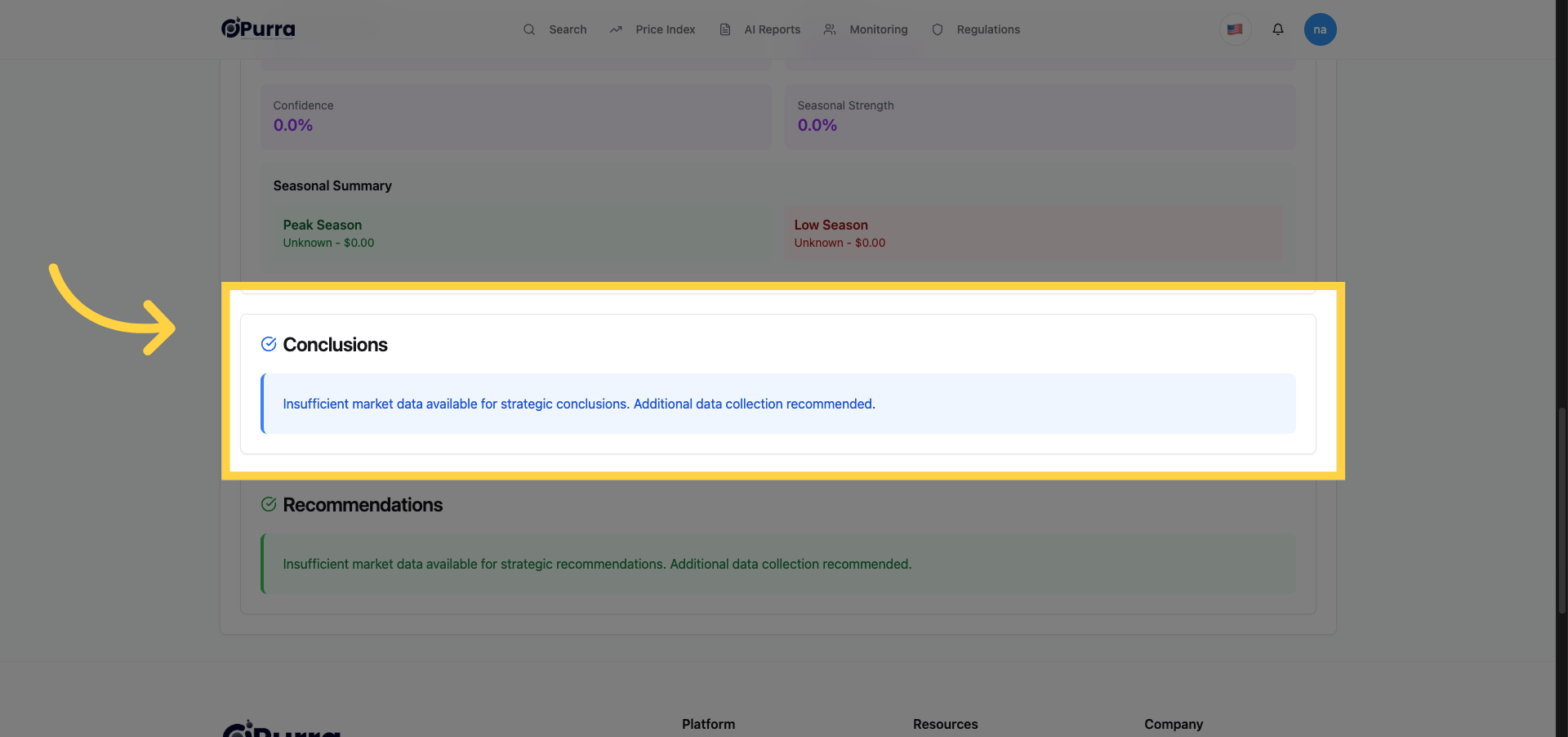
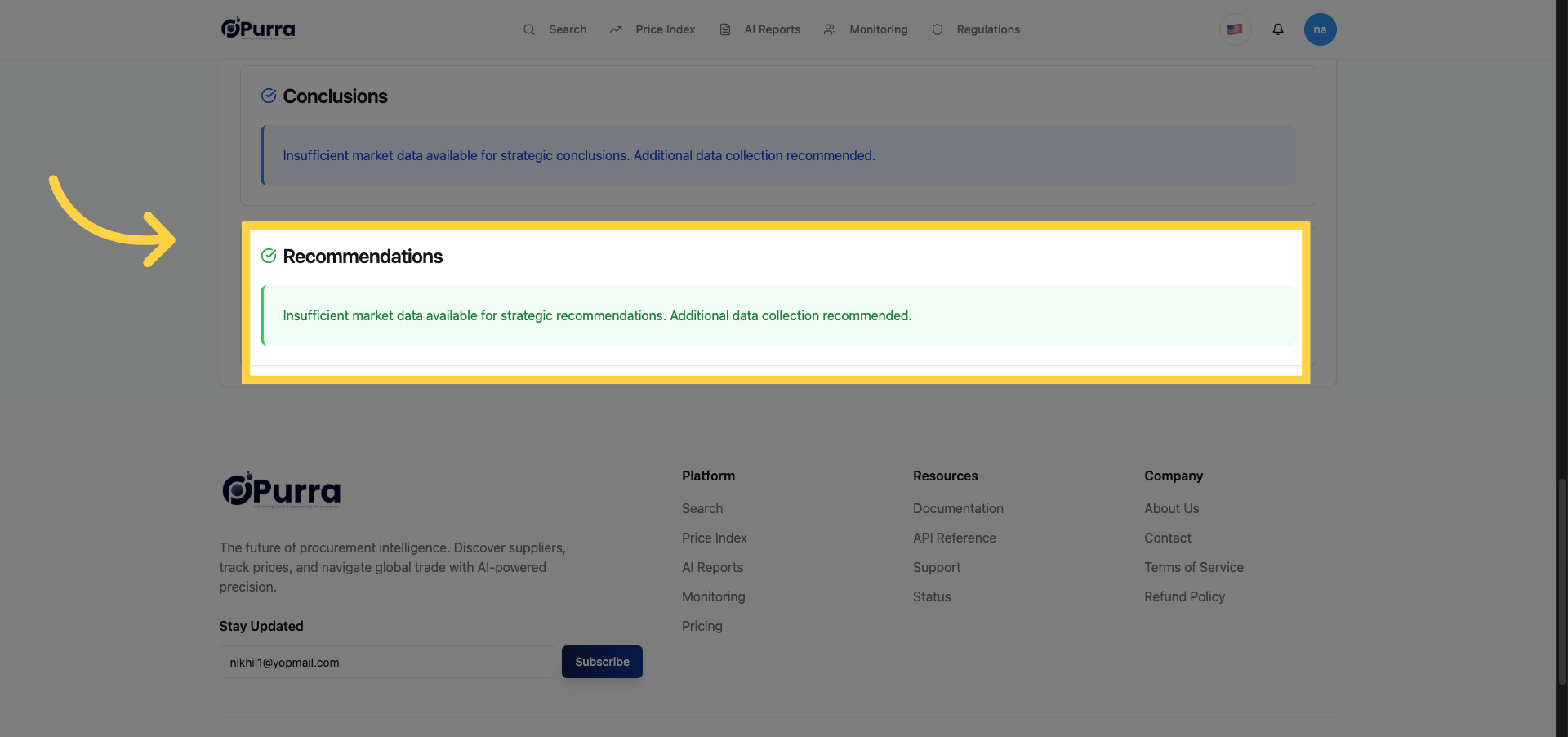
25. Review Recommendations Section
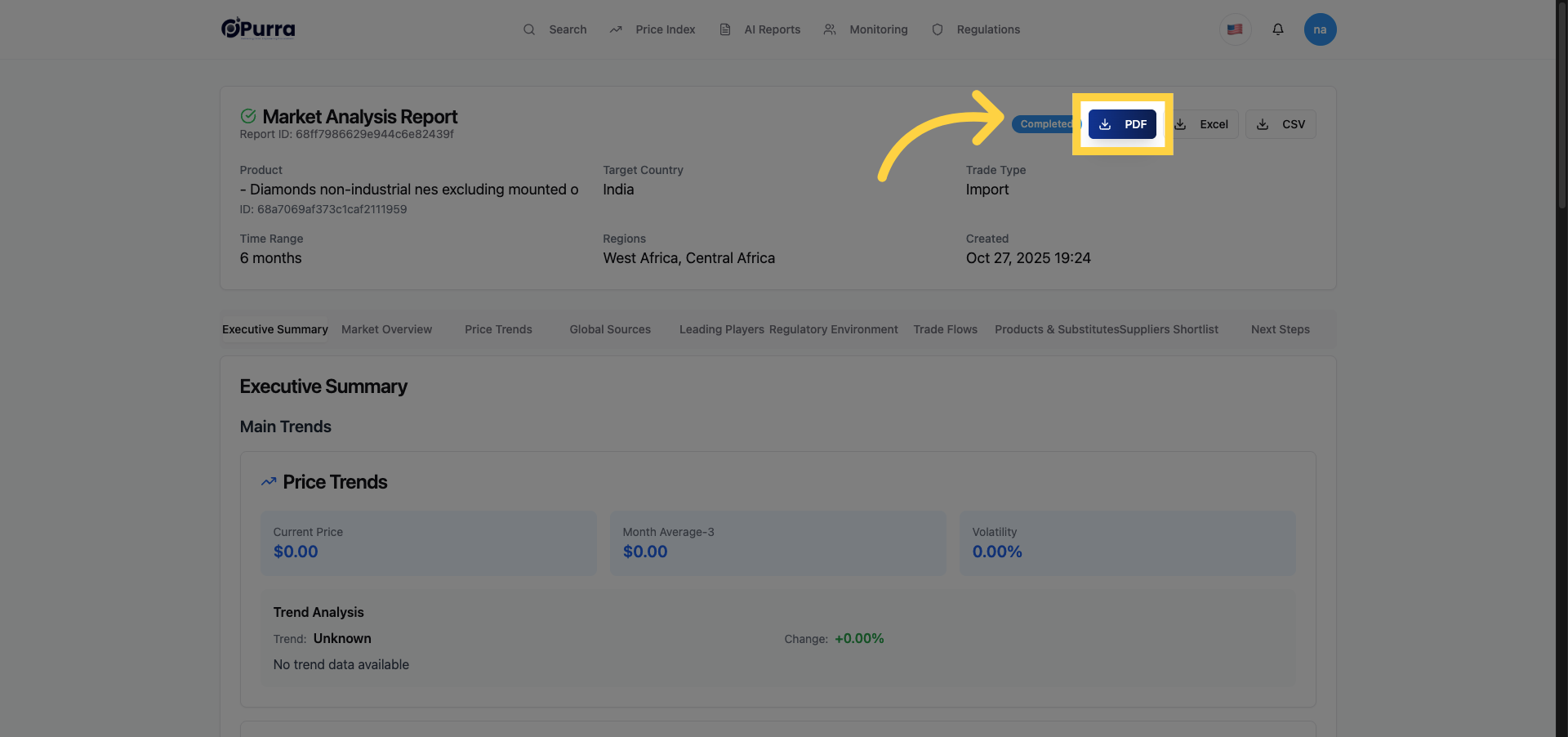
26. Download Report as PDF
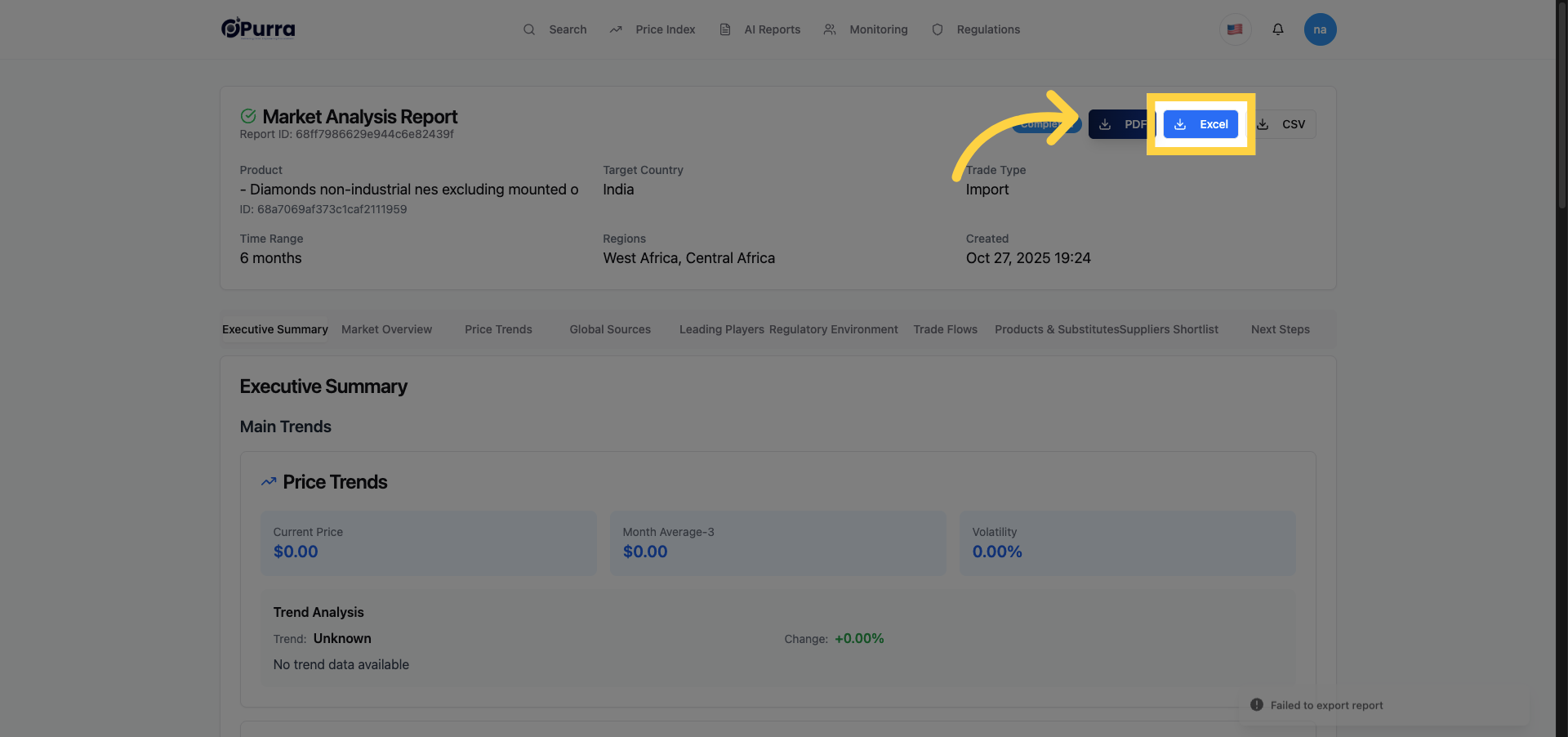
27. Download Report as Excel
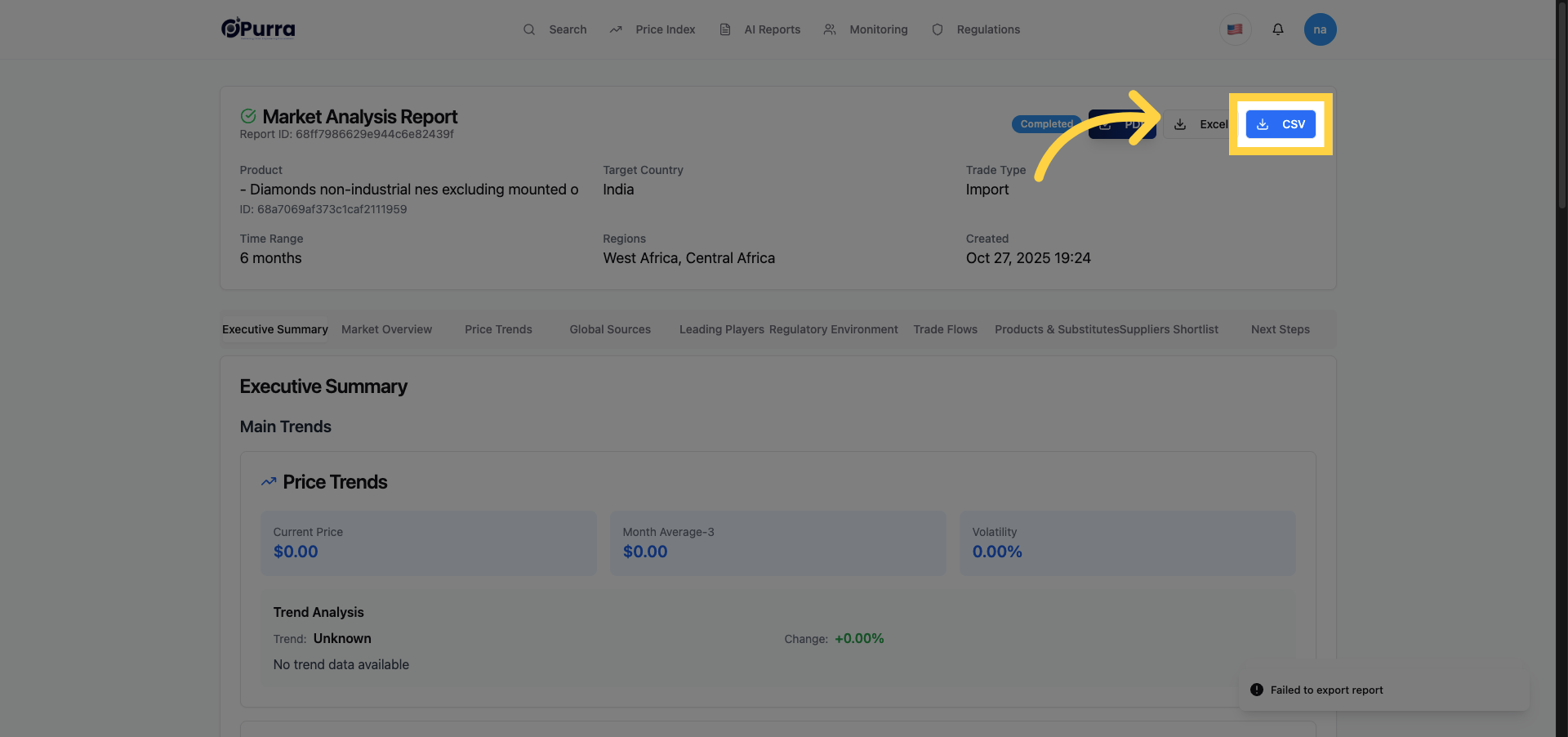
28. Download Report as CSV
Comments
0 comments
Please sign in to leave a comment.